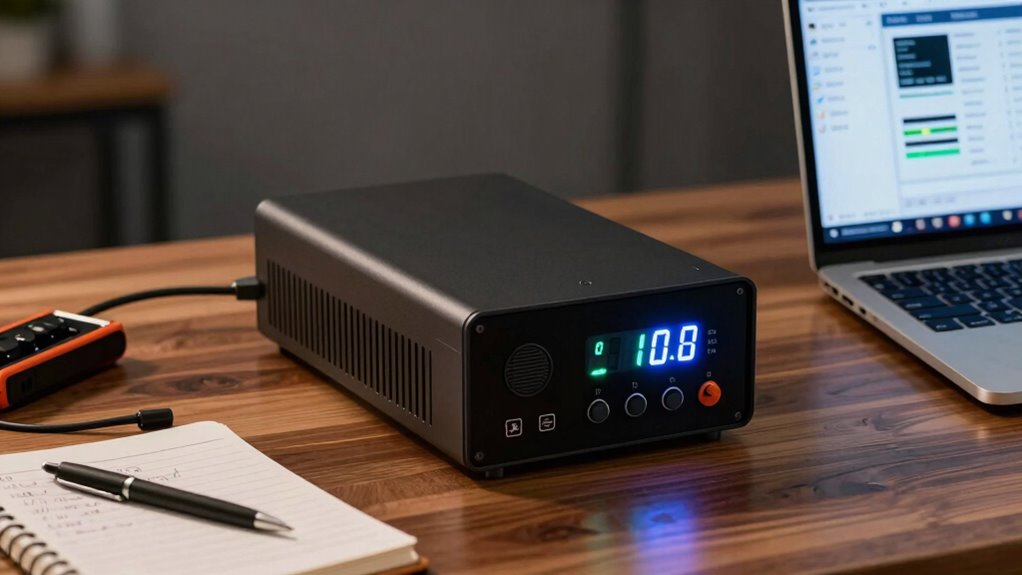

To estimate UPS runtime before buying, first find the battery capacity in watt-hours (Wh), which is often derived from its VA rating multiplied by a power factor (usually around 0.8). Then, add up the wattage of all devices you’ll connect. Divide the battery capacity by this total load to get an approximate backup time. Keep in mind, real-world runtimes can vary due to efficiency losses. If you want more detailed guidance, keep exploring to get all the essential details.
Play games included with Prime
Start a Prime free trial and play with Amazon Luna on your devices.
As an affiliate, we earn on qualifying purchases.
Key Takeaways
- Determine the total wattage of all devices you plan to connect to the UPS.
- Convert the UPS’s VA rating to watt-hours by multiplying with an assumed power factor (typically 0.8).
- Divide the UPS’s battery capacity (Wh) by the total device wattage to estimate runtime.
- Account for efficiency losses; real-world runtime may be slightly less than calculations suggest.
- Select a UPS with a capacity 20-25% higher than your calculated need for additional buffer.
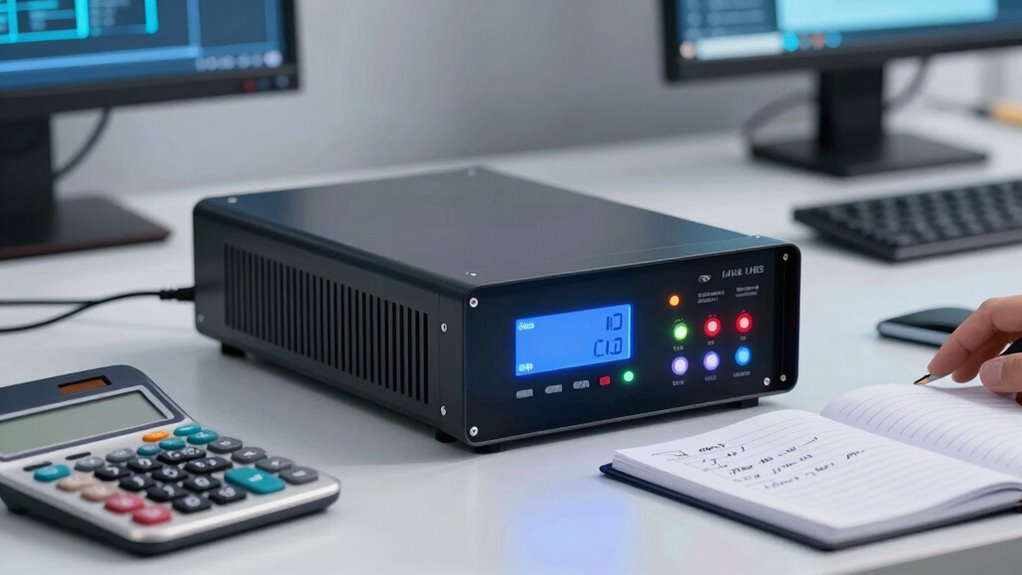
When you’re choosing a UPS, it’s crucial to know how long it can keep your devices running during a power outage. To figure this out, you need to understand two key factors: battery capacity and power consumption. Battery capacity refers to how much energy the UPS’s battery can store, usually measured in volt-amperes (VA) or watt-hours (Wh). Power consumption, on the other hand, is how much energy your connected devices use when running, typically listed in watts (W). Knowing these numbers allows you to estimate how long your devices will stay powered during an outage.
First, check the power consumption of your devices. Look at their labels or user manuals to find their wattage. Add up the wattages of all devices you plan to connect to the UPS. For example, if your computer consumes 150W and your monitor uses 50W, your total load is 200W. This combined figure will be your baseline for calculating runtime.
Calculate your total device wattage to estimate UPS backup time accurately.
Next, examine the UPS’s battery capacity. Most UPS units specify their battery capacity in VA or Wh. If only VA is provided, you can convert it to watt-hours by considering the power factor, which is often around 0.7 to 0.9. For simplicity, assume a power factor of 0.8: multiply the VA rating by 0.8 to estimate watt-hours. For example, a UPS with a 1000 VA capacity would have roughly 800 Wh of energy (1000 VA x 0.8). This figure represents the total energy available to power your devices.
To estimate how long your UPS can sustain your devices, divide the battery capacity in watt-hours by your total power consumption in watts. Using the previous example, 800 Wh divided by 200W gives you approximately 4 hours. However, keep in mind that real-world runtime is often less due to factors like battery age, efficiency losses, and the UPS’s power management. Manufacturers usually provide a runtime chart, which can give a more accurate estimate based on different load levels.
It’s also wise to factor in a buffer by choosing a UPS with a slightly higher capacity than your calculated needs. This ensures you have enough runtime during unexpected power surges or longer outages. Additionally, some UPS models feature automatic voltage regulation, which can help extend runtime by optimizing power usage during outages. Understanding your devices’ power consumption and the UPS’s battery capacity, along with considering battery age, can help you select a unit that offers the necessary backup time, avoiding surprises when the power goes out.
As an affiliate, we earn on qualifying purchases.
Frequently Asked Questions
Can UPS Runtime Vary With Different Battery Brands?
Yes, UPS runtime can vary with different battery brands because of differences in battery lifespan and power capacity. Higher-quality batteries often last longer and provide better power output, extending your UPS runtime. Cheaper or lower-quality batteries might save money initially but can degrade faster, reducing runtime and reliability. Always consider the battery brand and specifications, as they directly impact how long your UPS can support your devices during an outage.
How Often Should I Test My UPS for Runtime Accuracy?
You should test your UPS for runtime accuracy at least once every six months—because relying solely on the label isn’t enough, right? Regular battery maintenance and testing help guarantee your runtime estimation is spot-on, especially before critical outages. Ironically, many overlook this simple step, risking surprises when power fails. So, don’t wait until it’s too late; schedule routine tests to keep your backup reliable and your data safe.
Does UPS Runtime Include Surge Protection Features?
Your UPS runtime generally doesn’t include surge protection features, as they serve different purposes. Surge protection guards your devices against power surges, while runtime depends on the battery capacity and load. Keep in mind that frequent power surges can impact your UPS’s battery lifespan, reducing its runtime over time. To guarantee peak performance, regularly test your UPS and replace the battery when needed, especially after multiple surge events.
How Does Temperature Affect UPS Runtime Calculations?
Temperature effects can turn your UPS’s runtime into a fragile house of cards. When it gets too hot or cold, the batteries’ efficiency drops, causing inaccurate runtime estimates. You might think your UPS will last longer than it actually does or cut it short unexpectedly. To guarantee runtime accuracy, keep the environment stable, as extreme temperatures diminish battery performance and skew your calculations, leaving you unprepared during a power outage.
Can I Extend My UPS Runtime With Additional Batteries?
Yes, you can extend your UPS runtime by adding extra batteries, which increases the overall battery capacity. This directly affects the runtime estimation, allowing your UPS to power connected devices longer during outages. Make sure compatibility with your UPS model and follow manufacturer guidelines for installation. Keep in mind, adding batteries may require professional setup and could impact warranty conditions, so verify these details before proceeding.
uninterruptible power supply with 800Wh capacity
As an affiliate, we earn on qualifying purchases.
As an affiliate, we earn on qualifying purchases.
Conclusion
Now that you know how to calculate UPS runtime, you’re armed with the tools to make an informed choice. Think of it as your safety net, ready to catch you when power fails. By understanding your needs, you prevent surprises and guarantee your devices stay alive during outages. So, don’t just buy any UPS—pick one that’s perfectly suited to your needs. It’s your backup plan, and with the right calculations, it’ll be your lifeline when the lights go out.
UPS with at least 4 hours runtime
As an affiliate, we earn on qualifying purchases.
As an affiliate, we earn on qualifying purchases.
As an affiliate, we earn on qualifying purchases.
NFL season / tailgating Picks
team gear
As an affiliate, we earn on qualifying purchases.