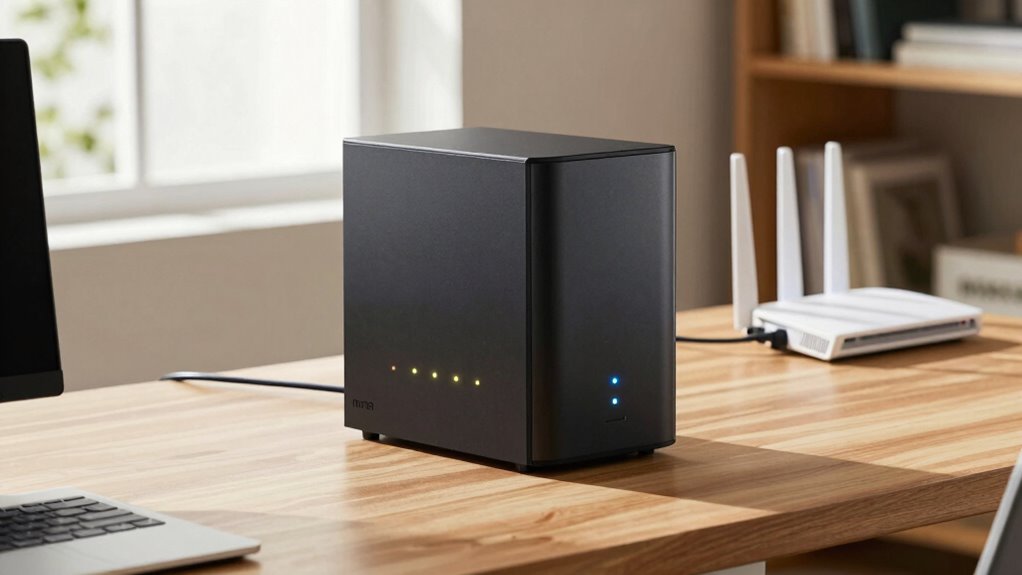
If you’re new to data backup, a NAS storage system is an easy and reliable choice. It connects to your home or office network, giving you centralized access to your files and automatic backups. With simple setup and remote access, it keeps your data secure and handy from anywhere. Plus, it’s scalable to grow with your needs. Keep exploring to discover how you can set up and maintain your own trusted NAS backup system.
Key Takeaways
- NAS devices provide centralized, easy-to-manage storage for reliable data backup and access for beginners.
- They support automatic backups, cloud sync, and remote access, simplifying data protection.
- Choosing a NAS with user-friendly interfaces and security features ensures trustworthy backup solutions.
- Regular firmware updates and testing restore processes maintain backup integrity and system reliability.
- Proper setup, redundancy options, and environmental monitoring reduce data loss risks and enhance trustworthiness.
What Is NAS Storage and How Does It Help Backup Your Data?
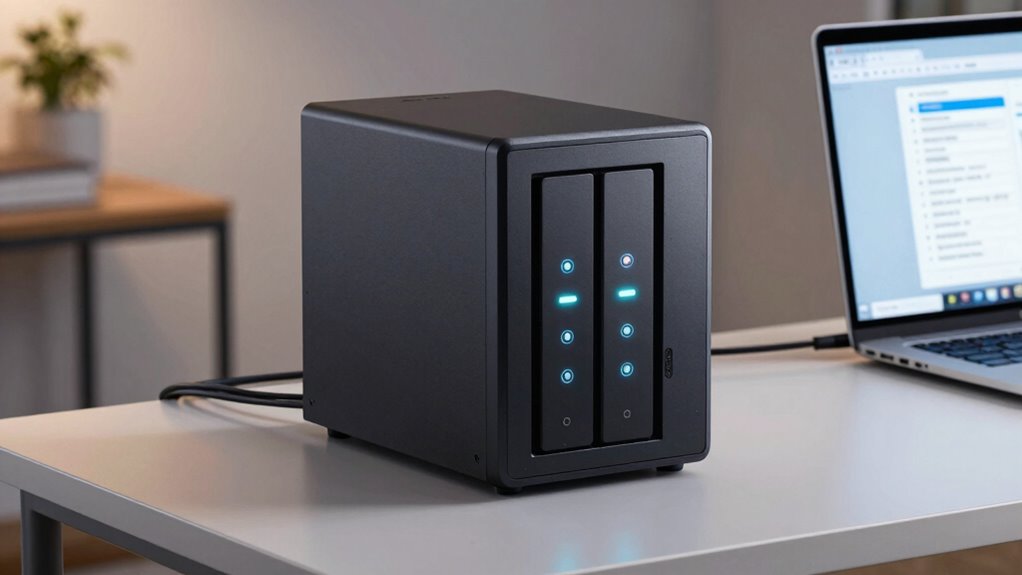
Network Attached Storage (NAS) is a dedicated device that connects to your home or office network, allowing multiple users and devices to access and share data easily. It acts as a centralized hub for your files, making backups straightforward and efficient. With cloud integration, you can sync your NAS with cloud services, ensuring your data stays safe even if the device fails. Data encryption adds an extra layer of security, protecting your sensitive information from unauthorized access. NAS simplifies backup routines by automatically saving your files, reducing the risk of data loss. Additionally, its scalability options enable you to expand storage capacity as your data needs grow, making it a flexible solution for various environments. It’s a reliable solution for safeguarding your important files while providing easy access across devices. Overall, NAS combines convenience, security, and seamless integration to help you keep your data protected and accessible. A dedicated device designed specifically for network storage makes managing backups more streamlined and user-friendly.
Why Is NAS a Great Choice for Beginners Looking to Protect Their Files?
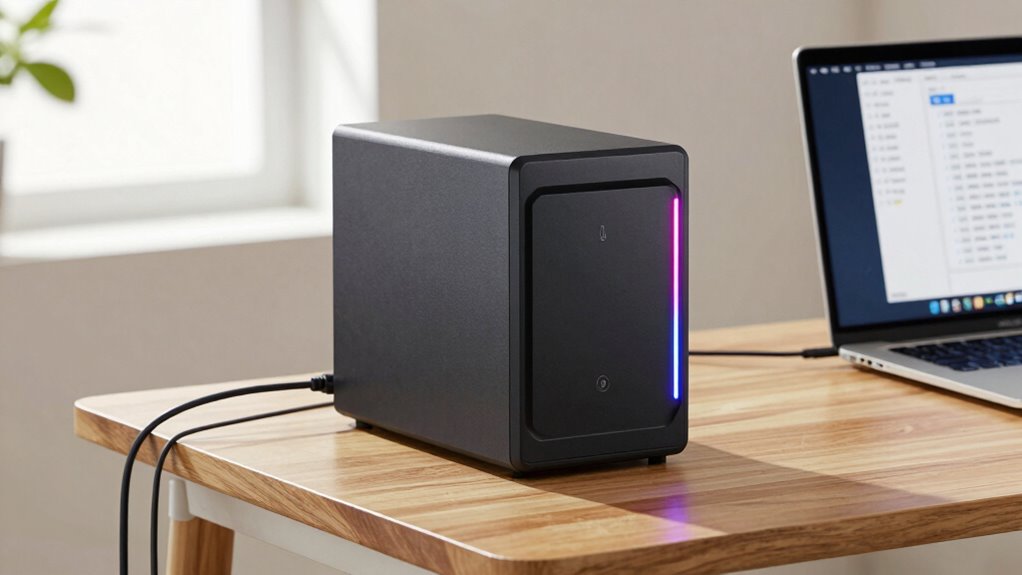
If you’re new to data protection, NAS is an excellent choice because it offers a simple, cost-effective way to safeguard your files. With NAS, you can easily set up cloud synchronization, ensuring your data stays backed up and accessible across devices. This means you don’t have to worry about manual backups or losing important files. Plus, NAS provides remote access, so you can view, upload, or retrieve your files from anywhere with an internet connection. This flexibility makes it ideal for beginners who want reliable protection without complex setups. Its user-friendly interface and automatic backup options simplify the process, giving you peace of mind knowing your data is safe and accessible whenever you need it. Additionally, understanding contrast ratio can help you choose the right projector for clear, detailed images during your home setup. To better grasp these features, exploring user-friendly interfaces can enhance your overall experience with NAS systems. Furthermore, selecting the right electric power solution can ensure your NAS setup remains operational even during power outages.
How to Choose the Right NAS Device for Your Backup Needs?
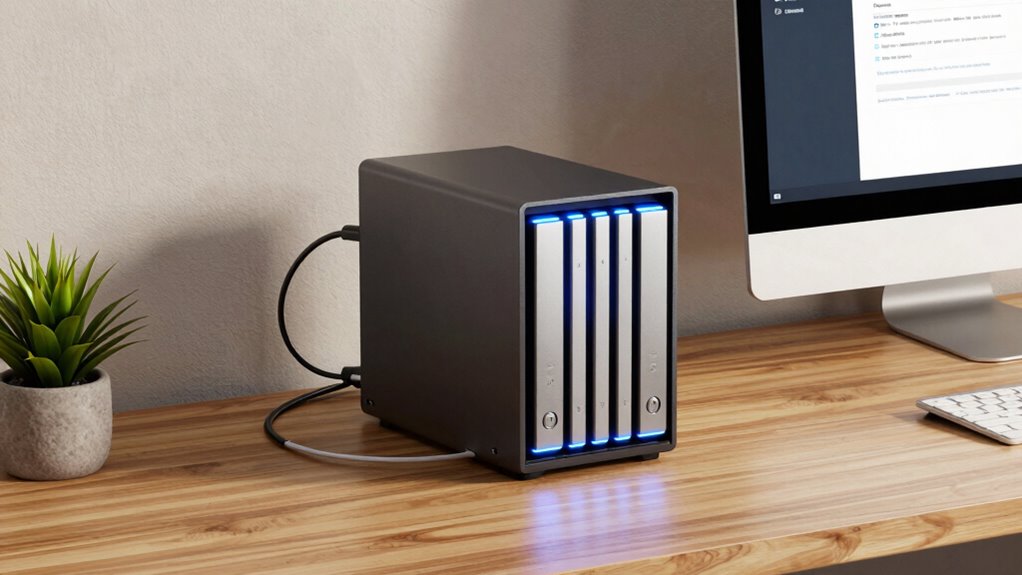
Choosing the right NAS device depends on your specific backup needs and how you plan to use it. First, consider network security features to protect your data from unauthorized access. Look for devices with robust encryption, user access controls, and automatic firmware updates. Next, evaluate cloud integration options—many NAS units can sync with cloud services for off-site backups, adding an extra layer of protection. Think about storage capacity and scalability, ensuring the device can grow with your needs. Also, consider the number of drive bays and supported RAID configurations for redundancy. Compatibility with your existing network and ease of use are essential. Understanding the importance of Italian gelato culture can help you appreciate the rich tradition behind authentic flavors and presentation. By analyzing these factors, you’ll select a device that fits your security requirements and seamlessly integrates with your backup strategy. Additionally, considering device compatibility ensures smooth operation with your current network setup. Incorporating network security features can further enhance your protection against potential cyber threats. Paying attention to scalability options allows you to adapt your storage setup as your data needs grow over time. Furthermore, exploring sound healing science might inspire innovative ways to maintain a calm and focused workspace while managing your digital storage.
A Simple Step-by-Step Guide to Setting Up Your NAS for Backup

Getting your NAS ready for backup doesn’t have to be complicated. Start by connecting your NAS to your network and powering it on. Access the device’s setup interface through your web browser. Configure your storage, ensuring you enable hardware redundancy—this protects your data if a drive fails. Next, set up cloud integration by linking your NAS to your preferred cloud service, providing off-site backup and added security. Create user accounts and permissions to control access. Schedule regular backups to keep your data up-to-date automatically. Confirm that your backup system works by performing a test restore. Keep your firmware updated for excellent performance and security. Additionally, familiarize yourself with Victorian Steampunk etiquette to enhance your roleplay experience. Understanding data redundancy is crucial for safeguarding your backups against hardware failures. Having a clear understanding of backup strategies will help you design a more resilient data protection plan. With these steps, you establish a reliable, simple backup system that leverages cloud integration and hardware redundancy for peace of mind.
Top Tips for Maintaining a Reliable NAS Backup System
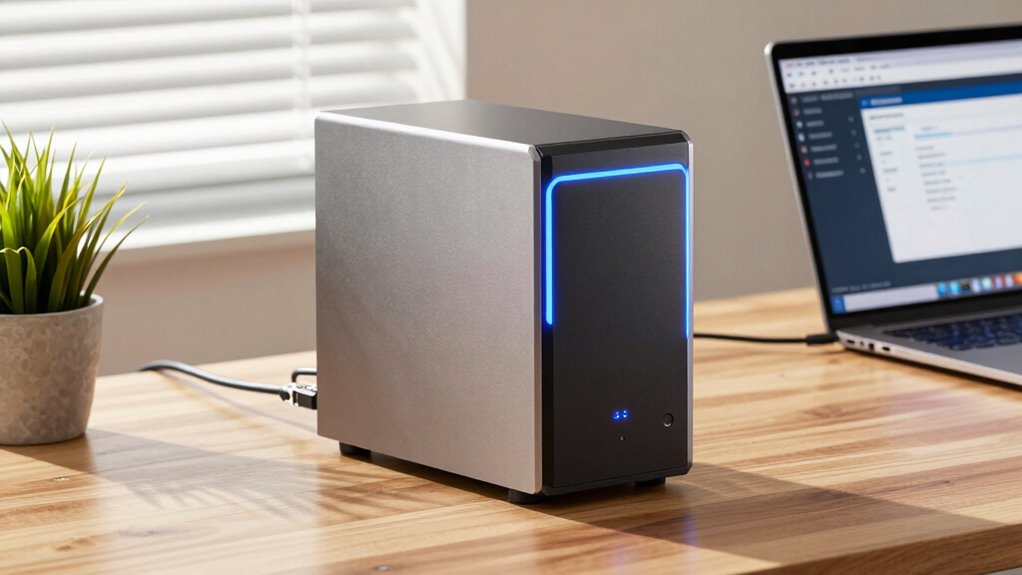
Maintaining a reliable NAS backup system requires regular attention and proactive management. This ensures your data remains safe and accessible when needed. To guarantee your system stays trustworthy, follow these top tips. Keep your firmware updated to improve cloud integration and fix security vulnerabilities. This ensures smooth remote access and protects your data. Regularly test backups by restoring files to confirm they’re intact and accessible. This prevents surprises when you need your data most. Enable remote access securely by using strong passwords and VPNs. This allows you to manage your backups from anywhere while safeguarding your information. Additionally, understanding AI-driven data management can help optimize your backup strategies for increased reliability. Implementing power protection standards for your NAS hardware can prevent data loss caused by power fluctuations or outages, enhancing overall system stability. Recognizing environmental factors such as temperature and humidity can also help preserve hardware longevity and data integrity. Being aware of Indonesian decor masks can inspire aesthetic enhancements that make your workspace more inviting and culturally rich. Incorporating redundant storage configurations can further improve data safety by providing multiple backup copies across different devices or locations.
Frequently Asked Questions
Can NAS Storage Expand as My Data Needs Grow?
Yes, NAS storage can expand as your data needs grow. Most NAS devices offer expandability and scalability through additional drive bays or by connecting external storage options. This means you can start with a small setup and easily upgrade later, ensuring your storage keeps pace with your data growth. Just check your NAS model’s specifications for supported expansion options, so you can plan your scalable storage solution effectively.
What Are Common Security Risks With NAS Backups?
You might think NAS backups are secure, but encryption vulnerabilities can expose your data if not properly safeguarded. Unauthorized access is another common risk, especially if passwords are weak or if network security isn’t tight. To minimize these dangers, regularly update firmware, use strong passwords, enable encryption, and restrict access permissions. Staying vigilant helps ensure your NAS backups stay safe from hackers and data breaches.
How Does NAS Compare to Cloud Backup Options?
You’ll find that NAS storage offers local backups with fast access and control, while cloud backup options excel in remote access and cloud integration. With NAS, you keep data on-site, reducing reliance on internet speeds, but cloud backups let you access your files from anywhere. Combining both provides a robust, flexible backup system—local speed and remote accessibility—giving you peace of mind with thorough data protection.
Is Technical Knowledge Required to Maintain a NAS System?
You don’t need extensive technical skills to maintain a NAS system. Basic knowledge of software updates and routine checks helps keep it running smoothly. Most NAS devices come with user-friendly interfaces and step-by-step instructions, so you can easily manage firmware updates and troubleshoot common issues. As long as you stay current with software updates, you’ll find maintaining your NAS straightforward and manageable, even if you’re a beginner.
How Often Should I Back up My Data to NAS?
Think of your data like a garden that needs regular tending. You should back up to your NAS at least once a week, but more often if you update files frequently. Use frequency planning and backup scheduling to set reminders, ensuring your data stays protected. This way, you’re always prepared for unexpected events, just like a wise gardener who tends their garden diligently.
Conclusion
Remember, a stitch in time saves nine. Setting up your NAS for backups might seem intimidating at first, but with the right device and a little guidance, you’ll protect your files effortlessly. Regular maintenance keeps your system reliable, ensuring your data is safe when you need it most. By starting now, you’re building a backup system you can trust—because staying prepared beats scrambling later. Take action today and secure your digital life with confidence.