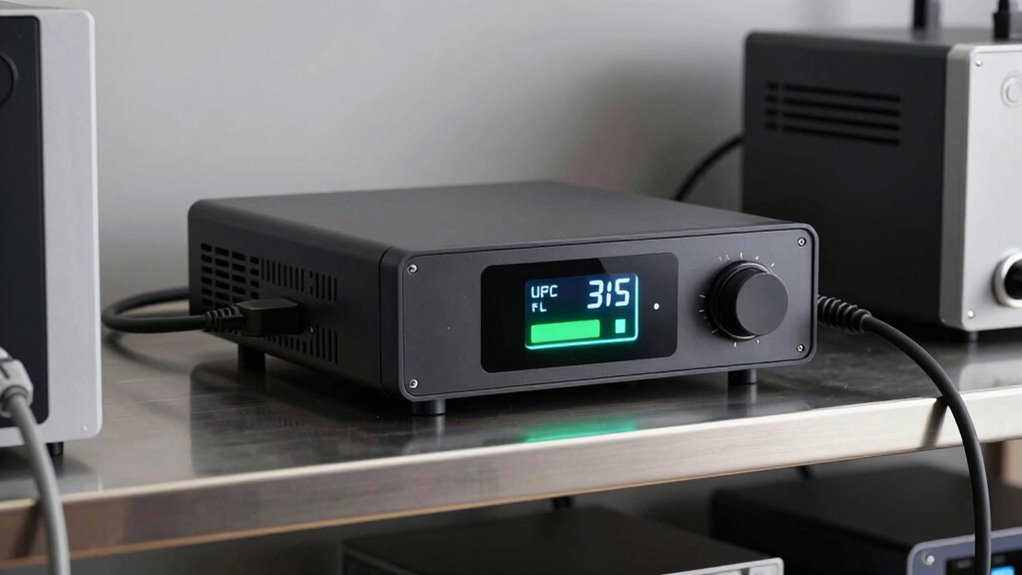

To determine how long your UPS will keep your systems running, start by calculating the total power consumption of your equipment and choose a UPS with capacity slightly above that. Consider your backup time needs and the battery capacity, as this influences runtime. Proper sizing balances load, battery capacity, and efficiency, ensuring reliable power during outages. If you want to learn the best way to match your equipment and extend battery life, keep exploring this guide.
Key Takeaways
- Calculate total load by summing wattages of connected devices to determine UPS capacity needed.
- Consider battery capacity and chemistry to estimate backup duration during outages.
- Use runtime charts provided by UPS manufacturers based on load and battery size.
- Ensure UPS capacity slightly exceeds peak load for reliable power during surges.
- Regularly monitor and test the system to confirm actual backup time matches estimates.
Why Proper UPS Sizing Is Critical for Your Business

Proper UPS sizing is essential because an undersized unit can’t support your critical equipment during power outages, leading to potential data loss and operational downtime. When your UPS is correctly sized, it ensures effective battery management, allowing for reliable backup power when the grid fails. Additionally, a properly sized unit offers superior power conditioning, protecting your equipment from voltage fluctuations and electrical noise. This is especially important considering power quality issues that can damage sensitive devices and shorten their lifespan. Accurate load calculation is crucial to determine the appropriate UPS capacity and prevent over- or under-provisioning. Oversized units may be unnecessary and costly, but undersized systems risk insufficient runtime and compromised performance. Proper sizing also helps in battery efficiency by matching the capacity to actual needs, thereby extending battery life and reducing maintenance costs. By choosing the right size, you optimize your backup power, enhance system stability, and ensure your business continues smoothly during outages. Proper sizing is the foundation for dependable, efficient, and protected operations. Considering electrical loads and ensuring your UPS can handle fluctuating electrical demands further enhances system reliability.
How to Determine Your Equipment’s Power Consumption
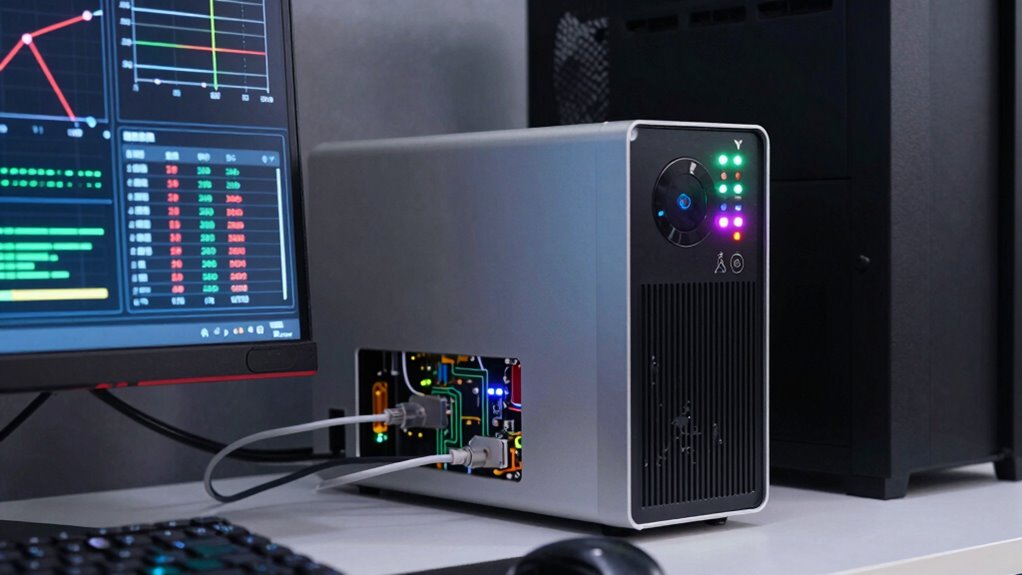
To accurately determine your equipment’s power consumption, start by checking the labels or datasheets on each device, which typically list their wattage or amperage ratings. Knowing this helps you assess how much power each piece uses and influences your battery longevity. Devices with higher wattage drain your UPS faster, reducing runtime during outages. To improve overall power efficiency, consider replacing outdated or inefficient equipment with newer, energy-efficient models. Keep in mind that some devices may have peak or surge power needs, which can temporarily increase consumption. By understanding these ratings, you can better estimate your total power load, ensuring your UPS is capable of supporting your equipment long enough during a blackout, all while maximizing battery longevity and maintaining power efficiency. Additionally, considering power management strategies can help optimize your system’s performance and extend runtime, especially when you incorporate support for energy-efficient appliances. Properly managing load balancing can further prevent overloading your system and improve overall stability, and being aware of power factor can also enhance your system’s efficiency and reduce unnecessary energy waste.
Calculating Your Total Power Load for UPS Sizing
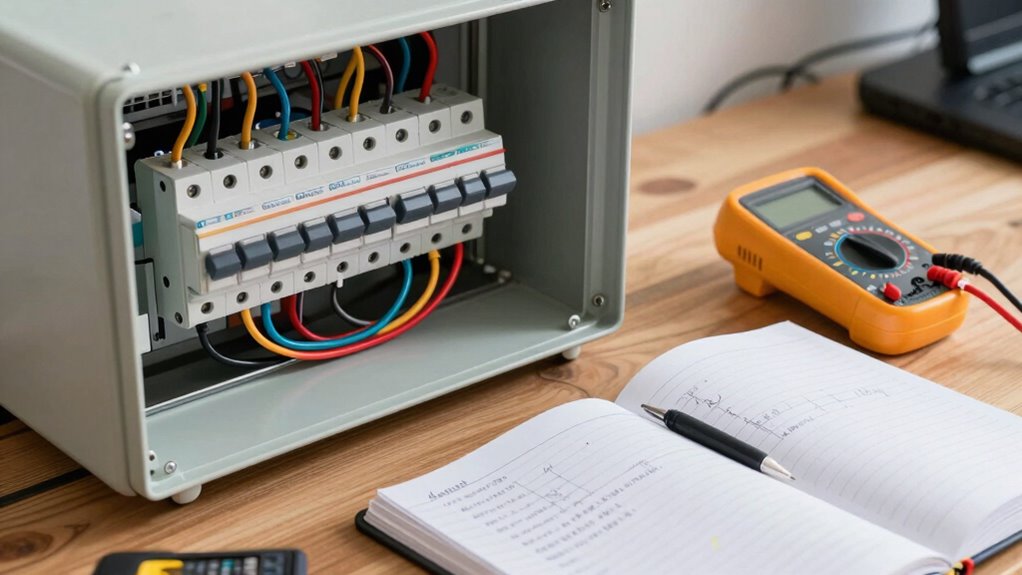
Before selecting a UPS, you need to calculate your total power load by adding up the wattages of all the devices you plan to connect. This guarantees you choose a UPS with sufficient capacity to handle your equipment. Focus on load balancing, making sure the combined wattage doesn’t exceed the UPS’s rated output. Consider the battery capacity needed to support your load during an outage, factoring in the total power draw. Proper calculation prevents overloads and ensures reliable backup. Remember, overestimating slightly provides a safety margin, while underestimating can lead to system shutdowns. Accurately determining your load is key to selecting a UPS that offers enough runtime, ideal battery capacity, and efficient load management, keeping your systems protected without unnecessary expense. Understanding load capacity is essential to ensure your UPS can sustain your critical devices during an outage. Additionally, using load analysis tools can help you perform precise calculations and optimize your UPS selection process. To further enhance your planning, consider power management strategies to improve overall system efficiency and longevity.
How Long Should Your UPS Keep Your Systems Running?

Once you’ve calculated your total power load and selected a suitable UPS, determining how long it can keep your systems running becomes the next priority. This involves evaluating the battery backup capacity and understanding your system’s power endurance. The runtime depends on your UPS’s battery size and the load it supports. For example, a UPS with a higher battery capacity will provide longer power backup, giving you more time to save work or shut down safely. Keep in mind that power endurance varies based on the device’s power draw; heavier loads drain the battery faster. To ensure your critical systems stay operational during outages, choose a UPS that offers sufficient runtime for your needs, balancing battery backup with expected outage durations. Understanding battery capacity is essential for selecting the right UPS to meet your backup requirements, especially considering the power demands of connected devices. Additionally, battery runtime calculations can help you estimate how long your system will stay powered during an outage, improving your overall power management strategies.
Choosing the Right UPS Capacity Based on Your Power Needs
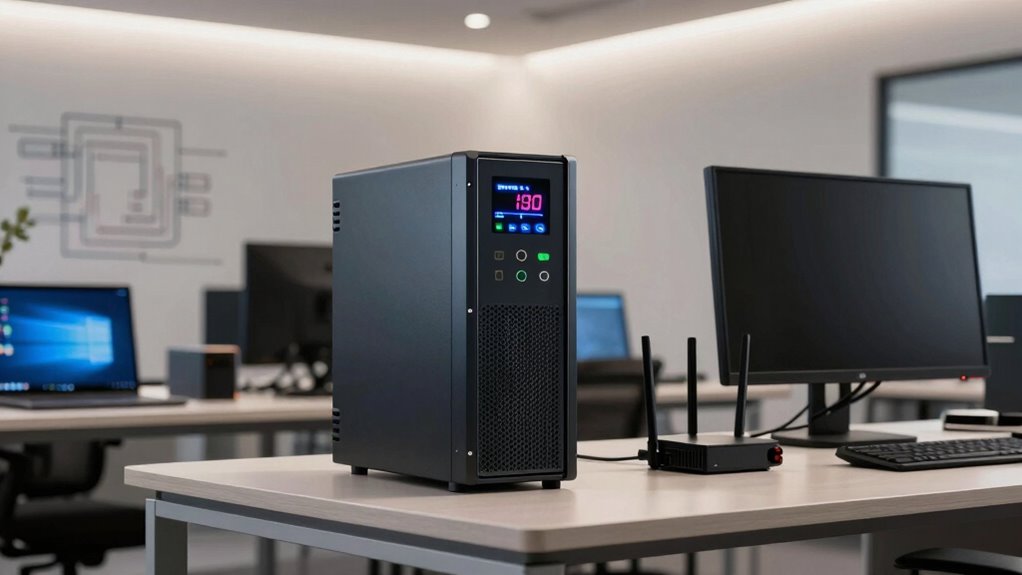
To choose the right UPS capacity, you first need to assess your total power requirements. This involves identifying the wattage of all devices you plan to connect. Once you know your load, you can select a UPS that provides sufficient capacity to support your systems without overpaying. Considering power consumption patterns can help optimize your UPS selection and ensure reliable backup during outages. Additionally, understanding your peak power demands can prevent underestimating your needs and risking insufficient backup time. Monitoring load variations over time can further enhance your ability to select an appropriately sized UPS. Recognizing the electrical needs of your devices ensures that your UPS can meet both current and future power demands effectively, especially when accounting for outdoor electrical setups like backyard transformations that often include outdoor appliances.
Assessing Power Requirements
How do you determine the right UPS capacity for your needs? Start by listing all devices you plan to connect. Check each device’s power consumption in watts or VA, and add them up to find your total load. Remember, overloading your UPS can reduce battery life and harm equipment. To optimize power efficiency, choose a UPS with a capacity slightly above your total load, ensuring it handles peak surges without strain. Keep in mind that a higher capacity doesn’t just support more devices but also improves battery life during outages, as the UPS isn’t pushed to its limit. Additionally, understanding power buffering can help you select a UPS that provides reliable backup while maintaining efficiency, ultimately saving you money and preventing unexpected shutdowns. Proper maintenance routines are also essential to keep your UPS functioning optimally and extend its lifespan. Incorporating proper sizing techniques ensures your UPS can handle your specific needs without unnecessary waste or risk.
Selecting Appropriate Capacity
After calculating your total power requirements, the next step is choosing a UPS with the right capacity. You want to guarantee it can handle your load comfortably while providing reliable surge protection. Selecting a UPS that’s too small can shorten your battery lifespan and leave your devices vulnerable. Conversely, oversizing leads to unnecessary costs. Use the table below to match your needs:
| Power Range (VA) | Suitable UPS Capacity |
|---|---|
| 0-500 | Small/Entry-Level |
| 501-2000 | Medium Capacity |
| 2001+ | High Capacity |
Choosing the right capacity balances performance and longevity, ensuring your equipment stays protected and your UPS maintains ideal battery lifespan. Proper sizing guarantees your setup runs smoothly during outages.
How Battery Capacity and Efficiency Affect UPS Runtime
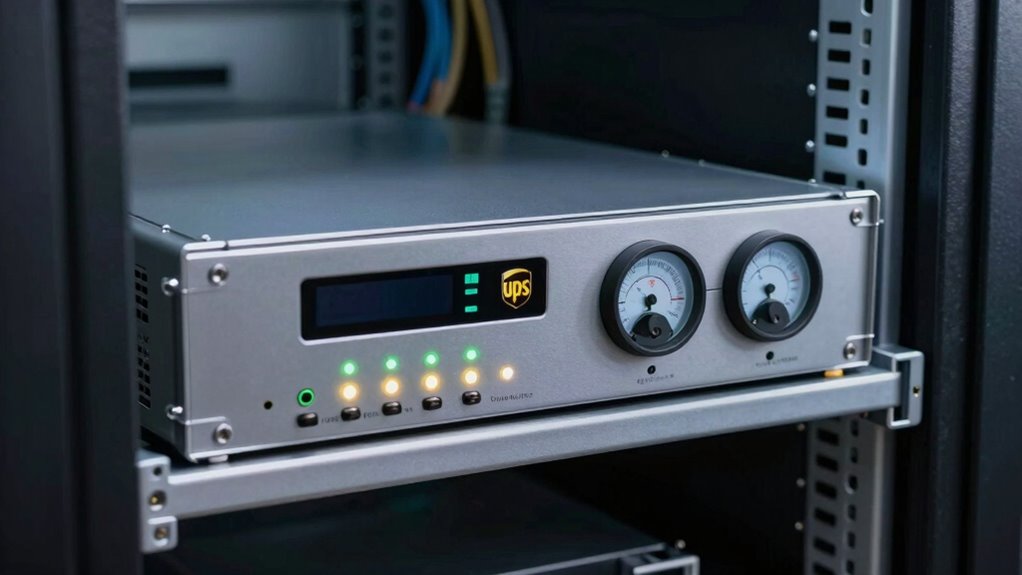
Battery capacity and efficiency are key factors that directly influence how long your UPS can keep your equipment running during a power outage. The battery’s capacity, determined by its chemistry, dictates how much energy it can store. A higher capacity means longer runtime. Inverter efficiency also plays a critical role; it determines how effectively the UPS converts stored DC power into usable AC power. Better inverter efficiency reduces energy losses, extending runtime. Different battery chemistries, like lithium-ion versus lead-acid, offer varying balances of capacity, lifespan, and cost, impacting overall performance. To maximize runtime, choose a UPS with a battery chemistry optimized for your needs and guarantee the inverter operates at high efficiency. This combination ensures your equipment stays powered as long as possible during outages.
Using Online Tools to Size Your UPS Correctly
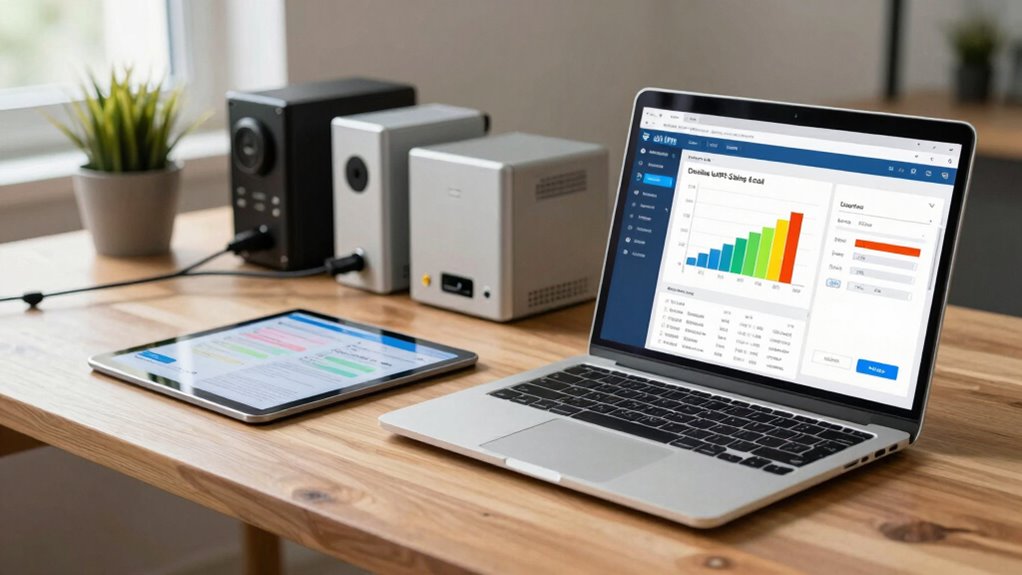
Using online tools makes sizing your UPS straightforward, but choosing the right software is key. You need to input accurate data about your equipment and power needs to get reliable results. Once you have the output, learn how to interpret it correctly to select the best UPS for your setup.
Selecting the Right Software
Choosing the right software is vital for accurately sizing your UPS, guaranteeing it can handle your power needs without overspending. The software should offer robust battery management features, allowing you to monitor and optimize battery performance over time. Compatibility is also essential—you want a tool that integrates seamlessly with your existing systems and hardware. Look for online tools that provide clear, user-friendly interfaces and support real-time data analysis. This helps you avoid errors and assures your calculations reflect actual load conditions. By selecting software that aligns with your specific requirements, you simplify the sizing process and increase confidence in your UPS choice. Proper software ensures your backup power system is both reliable and cost-effective, giving you peace of mind during outages.
Inputting Accurate Data
To guarantee your UPS is properly sized, inputting accurate data into online tools is essential. Start by assessing your equipment’s power requirements, ensuring you include the current load and any future expansions. Don’t forget to consider battery health; aging batteries may deliver less backup time, so input realistic capacity values. Accurate data also involves accounting for surge protection needs, especially if your equipment is sensitive to power fluctuations. Providing precise information helps the tool calculate the right UPS capacity, avoiding under- or over-sizing. Double-check your input details for accuracy, as incorrect data can lead to inadequate backup time or unnecessary costs. By careful data entry, you’ll ensure your UPS provides reliable power and optimal surge protection when you need it most.
Interpreting Results Effectively
Once you’ve entered your data into the online UPS sizing tool, it is crucial to interpret the results carefully to make sure your setup will meet your needs. Check the estimated runtime to ensure your critical devices stay powered during outages. Evaluate the suggested UPS capacity, ensuring it accounts for future expansion and current load. Pay attention to the battery health recommendations; a UPS with aging batteries might underperform, risking data loss or downtime. Also, verify that the UPS provides adequate surge protection, safeguarding your equipment against power spikes. Remember, a properly sized UPS not only offers longer backup time but also maintains system reliability. By understanding these results, you can select a unit that offers maximum protection without overpaying, ensuring your systems stay protected and operational.
Common UPS Sizing Mistakes That Reduce Runtime
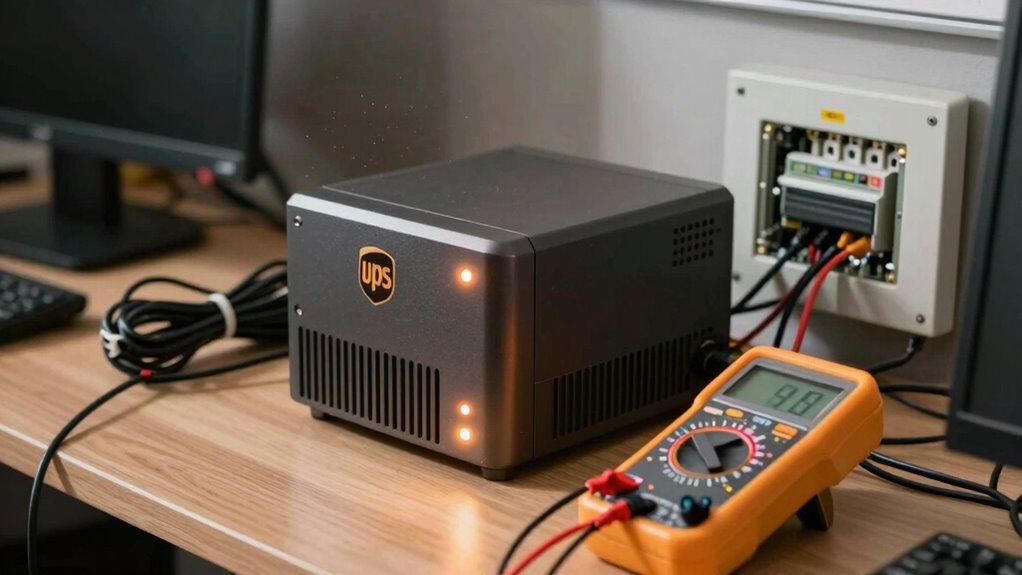
One of the most common mistakes that can shorten your UPS runtime is oversizing or undersizing the system without considering actual load requirements. Choosing a UPS based solely on capacity can lead to inefficiencies, especially if you don’t account for the battery chemistry, which affects how quickly the battery discharges. Additionally, neglecting proper surge protection can cause unnecessary strain on the system during power fluctuations, reducing runtime and risking damage. Oversized units may draw more power than needed, wasting energy, while undersized ones won’t support your equipment long enough during outages. Always assess your real load and select a UPS that matches it, ensuring your batteries are compatible with your chosen chemistry, and incorporate surge protection to extend runtime and safeguard your equipment.
Tips for Maintaining Your UPS for Reliable Power During Outages

Regular maintenance is essential to guarantee your UPS delivers reliable power when outages occur. Start by inspecting and performing battery maintenance regularly; check for corrosion, leaks, or swelling, and replace batteries as recommended by the manufacturer. Properly maintained batteries ensure your UPS can provide backup power when needed. Additionally, protect your UPS from power surges by installing surge protection devices. These safeguard your equipment and prevent damage during voltage spikes. Keep vents and cooling fans clean to prevent overheating, which can degrade performance and shorten lifespan. Regularly test your UPS to ensure it operates correctly, and update firmware if applicable. By staying vigilant with battery maintenance and surge protection, you’ll maximize your UPS’s reliability and ensure your power stays consistent during outages.
Frequently Asked Questions
Can a UPS Be Upgraded to Extend Runtime Later?
Yes, you can upgrade your UPS to extend runtime later. You’ll need to add more batteries or replace existing ones with higher-capacity options. Regular UPS maintenance guarantees peak performance, and battery recycling is vital when replacing old batteries. Upgrading may involve professional assistance to guarantee compatibility and safety. This way, you maximize your UPS’s lifespan and runtime, keeping your system protected during power outages.
How Does Ambient Temperature Affect UPS Battery Life?
Ambient temperature considerably influences your UPS battery life. If the temperature is too high, it accelerates battery degradation, reducing overall lifespan and runtime. Conversely, colder temperatures can slow down chemical reactions, sometimes temporarily extending battery life but risking damage if too cold. To guarantee peak performance and longevity, keep your UPS in a temperature-controlled environment, ideally between 20-25°C (68-77°F), and avoid extreme heat or cold.
What Are Signs My UPS Is Underpowered?
You might notice your UPS is underpowered if battery monitoring shows frequent low battery alerts or if it struggles to handle your connected devices during outages. Additionally, if your UPS’s power capacity isn’t enough, it may shut down prematurely or fail to provide backup when needed. Keep an eye on battery health and verify your UPS matches your power demands to avoid unexpected failures and protect your equipment effectively.
Is It Better to Oversize or Undersize My UPS?
Think of your UPS like a safety net—oversizing provides extra backup, ensuring your system stays afloat during outages. It’s better to oversize because it offers better power redundancy and reduces strain on the battery, prolonging its life through proper battery maintenance. Undersizing risks sudden failures and data loss. So, opt for a slightly larger UPS to safeguard your equipment, keep your power reliable, and avoid the stress of unexpected shutdowns.
How Often Should UPS Batteries Be Replaced?
You should replace your UPS batteries every 3 to 5 years to guarantee reliable power. Regular battery maintenance helps identify signs of capacity loss early, so you can plan your replacement schedule accordingly. Keep an eye out for reduced runtime or difficulty holding a charge, which indicate it’s time for new batteries. Staying proactive with battery maintenance and following a consistent replacement schedule keeps your UPS functioning at its best and protects your equipment.
Conclusion
Getting your UPS size right isn’t just a good idea—it’s your secret weapon against total system meltdown. Pick the wrong one, and you could be plunged into chaos, losing critical data and crashing your business faster than you can blink. But with the right sizing, you’ll have power that lasts longer than you imagined, keeping your systems alive through any storm. Don’t leave your uptime to chance—choose wisely and stay unstoppable.