To instantly boost your Wi-Fi, try elevating your router to a high, open spot like a shelf or wall mount, away from thick walls or metal objects. Keep it away from interference sources such as microwaves, cordless phones, and Bluetooth devices. Positioning your router centrally and at eye level helps guarantee even coverage across your home. For more quick tips on optimizing your Wi-Fi, continue exploring proven strategies to strengthen your signal.
Key Takeaways
- Place the router centrally in your home to ensure even Wi-Fi coverage.
- Elevate the router on a high shelf or wall mount to boost signal range.
- Keep the router away from electronic interference sources like microwaves and cordless phones.
- Avoid hiding the router behind furniture or inside cabinets to prevent signal weakening.
- Test different locations using speed test apps or Wi-Fi analyzers to find the optimal spot.
Why Your Wi-Fi Signal Gets Weak and How Placement Can Help
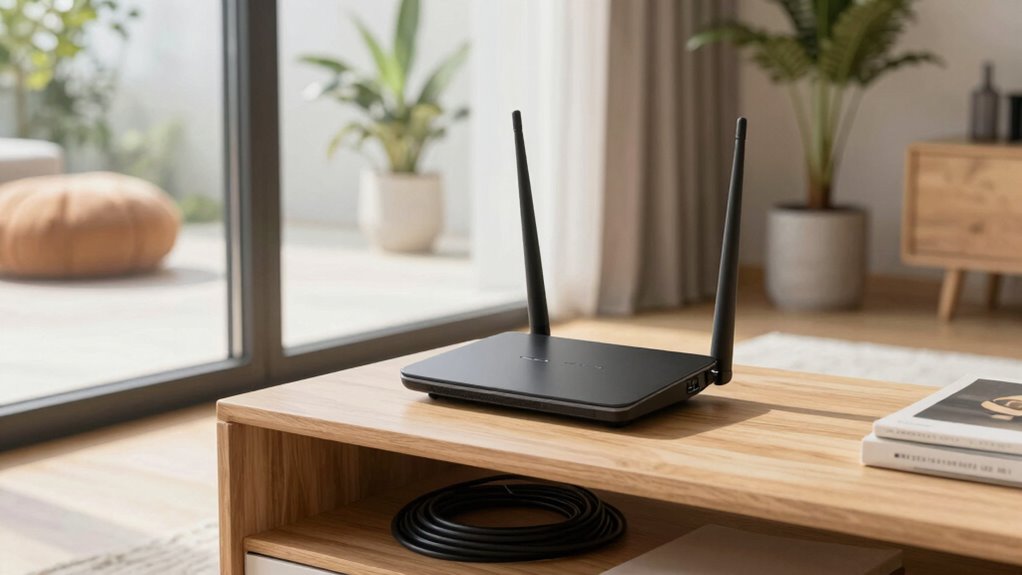
Your Wi-Fi signal often weakens because of obstacles like walls, furniture, and electronic devices that block or interfere with the signal. These signal obstacles reduce your Wi-Fi range, making it harder to get a stable connection in certain areas. When your router is tucked away in a corner or behind bulky furniture, the signal has to pass through multiple barriers, diminishing its strength. Electronic devices like microwaves and cordless phones can also cause interference, further weakening the signal. To improve your Wi-Fi range, you need to think about where you place your router. A strategic location can minimize signal obstacles and allow your Wi-Fi to reach more areas of your home effectively. Proper placement is key to maintaining a strong, reliable connection everywhere. Additionally, top-rated router accessories can enhance signal strength and coverage, ensuring a more dependable Wi-Fi experience throughout your space. Optimizing your router’s placement by avoiding interference sources can significantly boost overall performance. For example, selecting a central location for your router helps distribute the signal evenly across your home. Considering signal propagation principles can further aid in achieving optimal coverage, especially when combined with signal repeaters or mesh systems.
The Simple Trick: Elevate Your Router for Better Coverage
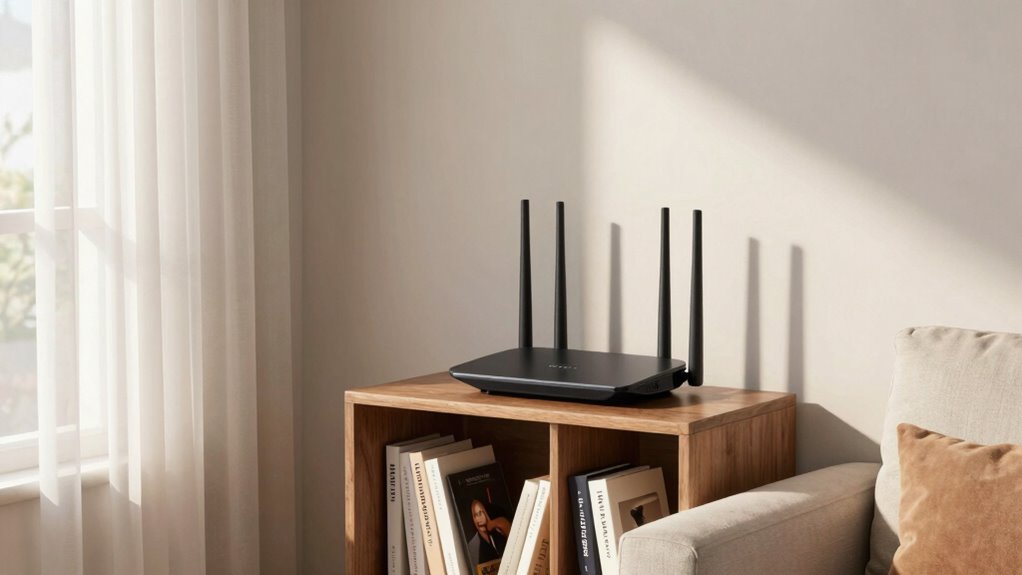
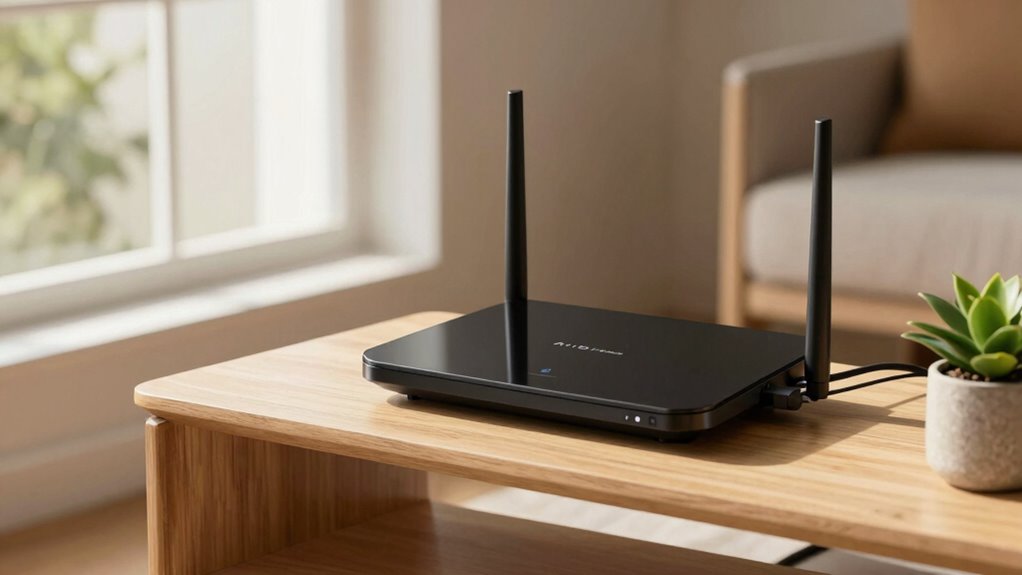
One of the simplest ways to boost your Wi-Fi coverage is by elevating your router. Placing it on a high shelf or mounted on the wall minimizes obstacles that block signals, ensuring better range. When choosing a spot, consider router aesthetics—select a location that blends with your decor or keeps the device unobtrusive. Elevating also highlights your router’s branding, making it a sleek part of your space rather than an eyesore. Keep it away from thick walls or metal objects that can interfere with signals. Proper router placement can also help prevent interference from other devices, ensuring a stronger connection. Additionally, understanding wireless signal principles can help you optimize placement further. Using proper placement techniques can maximize your Wi-Fi performance and coverage. Recognizing signal interference sources allows you to troubleshoot and improve your setup more effectively. Being aware of environmental factors, such as nearby electronic devices or thick furniture, can further enhance your Wi-Fi stability. By simply raising your router, you improve coverage without extra equipment or complex setups. This quick fix can make a noticeable difference, giving you faster, more reliable Wi-Fi throughout your home.
How to Find the Best Spot for Your Router in Your Home
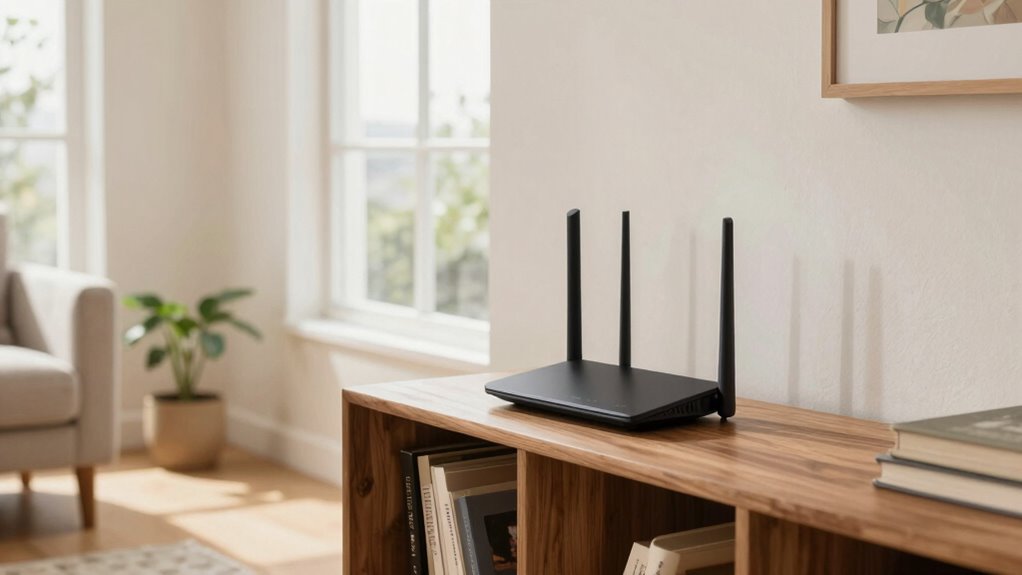
Finding the ideal spot for your router involves understanding where signals travel best and how obstacles impact coverage. Place your router centrally in your home, away from thick walls, metal objects, and appliances that can block signals. Keep it elevated—on a shelf or high surface—to maximize coverage. Ensure your router’s firmware is up to date; firmware updates often improve performance and security, reducing vulnerabilities in router security. Avoid hiding your router behind furniture or inside cabinets, as this weakens the signal. Test different locations to find where coverage is strongest and consistent. Remember, a well-placed router not only provides better Wi-Fi but also enhances your network’s security by reducing dead zones and making sure firmware updates are applied seamlessly. Using the right placement can also help your router better suit different wireless signals, especially when considering how placement impacts overall network performance and security. Proper placement can also mitigate interference, which is essential for maintaining optimal Wi-Fi speeds and reliability. Additionally, understanding the signal propagation patterns can help you choose the most effective location for your router. A good understanding of environmental factors can further improve your Wi-Fi performance by allowing you to select the best possible spot.
Tips for Positioning Your Router When You Have Multiple Devices or Large Rooms
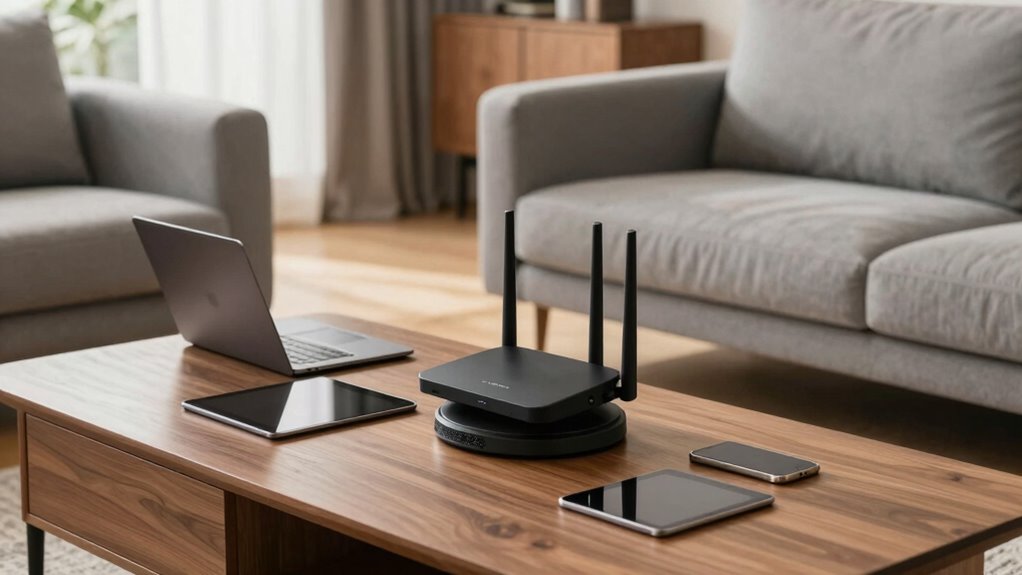
To get the best signal when you have multiple devices or a large room, focus on placing your router at an ideal height—about eye level or higher. Make sure it’s in a central spot to evenly distribute Wi-Fi throughout your space. This placement can also support smart yard care devices like robot mowers and multi-unit setups, ensuring they operate efficiently and stay connected. Additionally, proper placement can mitigate Wi-Fi interference from other electronics, further enhancing your network performance. Positioning your router away from electronic devices that emit interference can significantly improve signal quality. Placing your router in an elevated position can help reduce signal obstructions caused by furniture or walls, further improving network coverage. Understanding how antenna orientation affects signal strength is also essential for optimal coverage. This way, everyone stays connected, and your network runs smoothly.
Optimal Router Height
Positioning your router at the right height can considerably boost your Wi-Fi performance, especially when you have multiple devices or large rooms. The key lies in optimizing the router height to improve signal elevation, allowing the Wi-Fi signals to travel more effectively throughout the space. Place your router on a high shelf or mounted on a wall, ideally at or above shoulder level. This prevents signal obstruction from furniture or other objects and ensures better coverage. Avoid placing it on the floor, where signals can easily be blocked or weakened. The goal is to maximize signal elevation, reducing dead zones and ensuring a stronger, more reliable connection across your entire area. Proper router height is a simple yet essential step for enhancing your Wi-Fi experience.
Central Placement Strategy
When managing multiple devices or large rooms, placing your router centrally guarantees a more even Wi-Fi distribution. A central spot reduces dead zones and ensures all devices receive a strong signal. Keep your network secure by updating router security settings and changing default passwords. This prevents unauthorized access and keeps your network safe. Additionally, consider network segmentation by creating separate networks for work and personal use, which improves security and reduces interference. Positioning your router in the middle of the space minimizes obstacles and maximizes coverage. Remember, a well-placed router with strong security and proper segmentation enhances overall performance, minimizes disruptions, and maintains privacy across your connected devices. Incorporating wireless network optimization techniques can further improve connectivity. Incorporating digital frames or interactive murals into your space can also complement your network setup by creating a more connected and visually appealing environment. Ensuring your network hardware is properly maintained further supports consistent performance and security, which is essential for trusted investments like Gold IRAs.
How Can You Test If Your Router Placement Is Improving Your Wi-Fi?
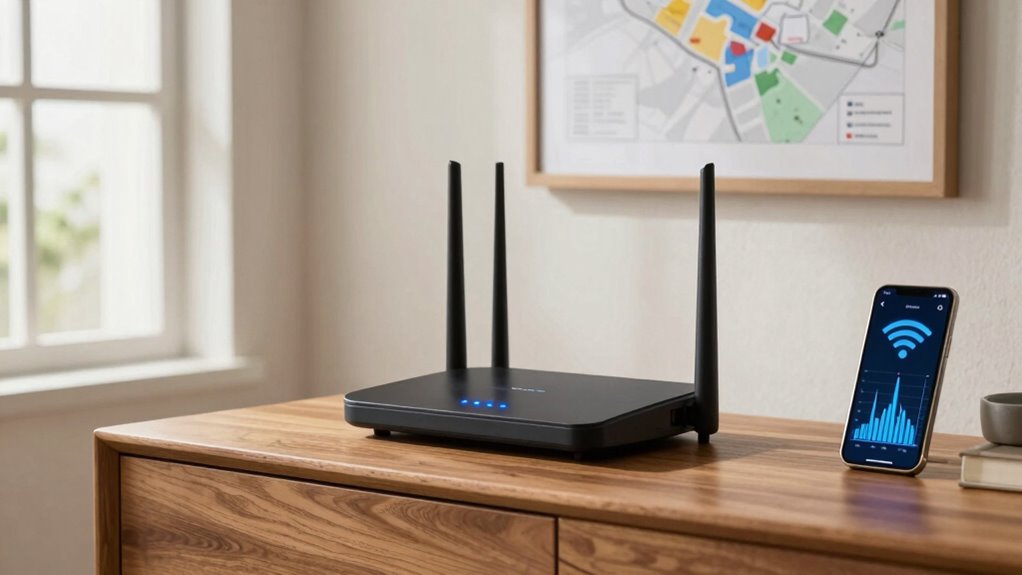
If you want to know whether your new router placement is making a difference, testing your Wi-Fi signal strength is the most straightforward way. Use a speed test app or website in different locations around your home to measure performance. Keep your router firmware up to date to assure maximum security and performance. Additionally, check your signal strength with a Wi-Fi analyzer tool to identify dead zones or weak spots. Here’s a quick comparison:
| Location | Download Speed | Signal Strength |
|---|---|---|
| Near Router | 100 Mbps | Excellent |
| Mid-distance | 70 Mbps | Good |
| Far Room | 20 Mbps | Weak |
| Basement | 15 Mbps | Very Weak |
| Upstairs | 60 Mbps | Fair |
Regular testing helps confirm if your placement improves coverage and speed.
Extra Quick Tips to Boost Wi-Fi Performance Without Spending More
You can boost your Wi-Fi performance instantly without spending a dime by making simple adjustments to your network settings. Start by checking your router’s firmware updates; keeping your firmware current ensures peak performance and security. Also, consider rebooting your router regularly to refresh connections. To improve durability, avoid placing your router in cramped or overly hot spots, which can cause overheating and reduce lifespan. Position your router away from electronic devices that cause interference, like microwaves or cordless phones. Adjusting your Wi-Fi channel settings can also reduce congestion, boosting speed and stability. These quick tips require no additional investment but can markedly enhance your Wi-Fi experience by maintaining router health and ensuring you get the best signal possible.
What Should You Do If Elevating Your Router Doesn’t Help?
Elevating your router is a common fix, but sometimes it doesn’t resolve coverage issues. If that’s the case, check your router firmware; outdated firmware can weaken your signal and hinder performance. Updating it can improve stability and fix bugs that might be affecting coverage. If elevation and firmware updates don’t help, consider using signal repeaters or mesh networks to extend your Wi-Fi range. Signal repeaters can amplify your existing signal, especially in dead zones. Also, reposition your router away from thick walls or electronic devices that interfere with the signal. Sometimes, simply changing your setup or adding repeaters is enough to boost coverage where elevation alone fails. These steps guarantee your Wi-Fi reaches every corner without costly upgrades.
Maintaining a Strong Wi-Fi Signal Over Time

To keep your Wi-Fi signal strong over time, focus on ideal router positioning to reduce dead zones. You should also minimize signal interference from other electronic devices and thick walls. By doing so, you’ll guarantee a reliable connection that stays solid daily.
Optimal Router Positioning
Positioning your router carefully can substantially influence the strength and stability of your Wi-Fi signal over time. Place it in a central, elevated spot away from thick walls and metal objects to maximize coverage. Keep your router secure by changing default passwords and enabling strong router security settings to prevent unauthorized access. Regular firmware updates are essential, as they fix bugs and improve performance, ensuring your network stays reliable. Avoid placing the router near electronic devices that emit interference, which can weaken the signal. Maintaining ideal placement not only enhances performance but also prolongs your equipment’s lifespan. By combining strategic positioning with good security practices and timely firmware updates, you’ll enjoy a more consistent, robust Wi-Fi connection that lasts over time.
Minimizing Signal Interference
Signal interference can substantially weaken your Wi-Fi connection, especially when electronic devices operate nearby. To maintain a strong signal over time, you need to minimize interference sources and protect your network’s wireless security. Keep your router away from microwaves, cordless phones, and Bluetooth gadgets—they all disrupt signals. Regular firmware updates are vital; they fix bugs and optimize performance, reducing interference issues. Additionally, choose a less congested Wi-Fi channel to avoid crowded frequencies and ensure stable connectivity.
- Shield your network from interference sources that cause frustration and slow speeds.
- Stay ahead of threats by updating firmware, maintaining wireless security, and improving reliability.
- Achieve peace of mind knowing your Wi-Fi stays strong, secure, and interference-free all day long.
Frequently Asked Questions
Can Router Placement Affect Wi-Fi Security?
Yes, router placement can affect Wi-Fi security. Placing your router in a central, hidden location reduces physical access and limits potential breaches, safeguarding your network security. Keeping it away from windows or exterior walls minimizes signal leakage, reducing privacy concerns. Proper placement helps prevent unauthorized access, ensuring your data stays protected. So, think carefully about where you put your router to enhance both your network’s security and your privacy.
Does Router Color or Material Impact Signal Strength?
Router color and material don’t directly impact signal strength, but router aesthetics and material influence how it fits into your space. A sleek design or subtle color can help it blend in, while certain materials like metal may slightly interfere with signals. To optimize your Wi-Fi, focus on placement and avoiding metal objects nearby rather than worrying about the router’s appearance or material influence.
How Often Should I Reposition My Router for Optimal Performance?
You should reposition your router every few months to maintain ideal signal stability. Regularly check its position, ensuring it’s elevated, central, and away from obstructions like walls or appliances. By adjusting the router position periodically, you prevent signal degradation and improve coverage. Keep an eye on your Wi-Fi performance, and make small, strategic moves to keep your connection strong, reliable, and fast.
Are There Specific Furniture or Objects That Block Wi-Fi Signals Most?
Furniture interference and signal blocking objects like thick walls, metal furniture, and large appliances can considerably weaken Wi-Fi signals. Keep your router away from dense bookshelves, mirrors, and electronic devices that emit electromagnetic interference. Placing it in an open, central location helps reduce furniture interference, ensuring better signal strength throughout your space. Avoid stacking or hiding your router behind furniture, as these objects can obstruct signals and slow your internet speed.
Can Using Wi-Fi Extenders Negate the Need for Optimal Router Placement?
Think of Wi-Fi extenders as band-aids for poor router placement—they can help, but they don’t replace good positioning. While Wi-Fi extenders boost signal range, they often struggle with consistent speed and reliability if your router isn’t ideally placed. So, for the best performance, prioritize proper router placement first; extenders should complement, not compensate for, poor positioning. Proper setup ensures your Wi-Fi stays strong and reliable, everywhere.
Conclusion
By simply elevating your router, you can boost your Wi-Fi coverage by up to 50%. It’s a quick, easy fix that often solves signal issues without extra cost. Remember, nearly 70% of Wi-Fi problems stem from poor placement, so experimenting with your router’s position can make a huge difference. Keep testing and adjusting to maintain a strong, reliable connection that keeps all your devices happy and working smoothly.