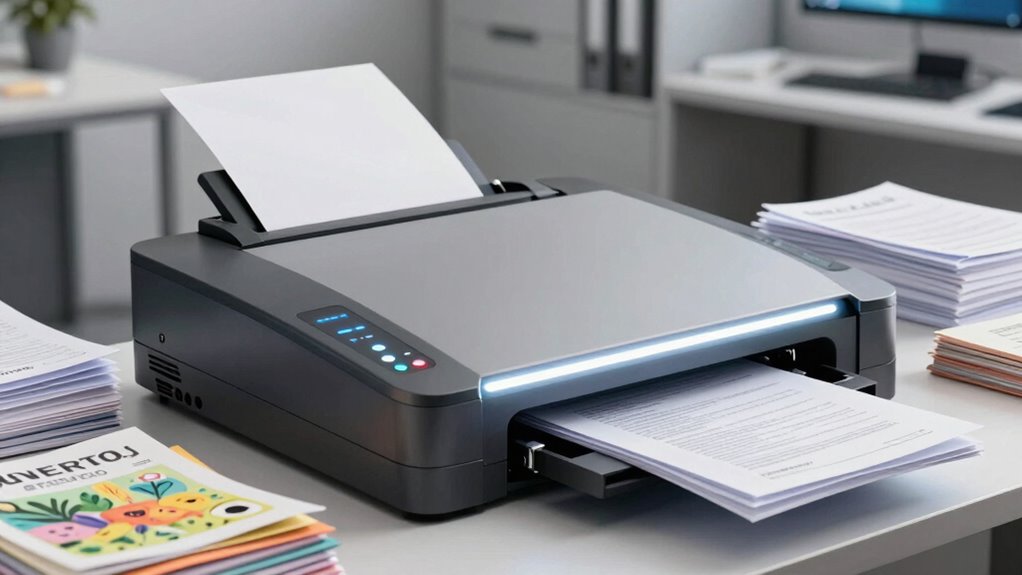

If your workflow involves handling large volumes of paper, look for a scanner with high-speed, automatic document feeders and duplex scanning to efficiently capture both sides of each page in a single pass. Choose models that support high-resolution, versatile file formats and connect seamlessly to cloud services for instant access and sharing. Durable hardware and an intuitive touchscreen make operation smooth and reliable. Keep going to discover even more features that can transform your paper management process.
Key Takeaways
- High-capacity automatic document feeders (ADF) with duplex scanning for efficient batch processing of multiple pages.
- Support for high-resolution scanning and multiple file formats to ensure clear, detailed digital copies.
- Cloud integration and automation features for quick uploads, remote access, and seamless collaboration.
- Durable hardware with reliable performance and intuitive touchscreen interfaces for easy operation.
- Expandable and scalable storage options to accommodate increasing document volumes over time.
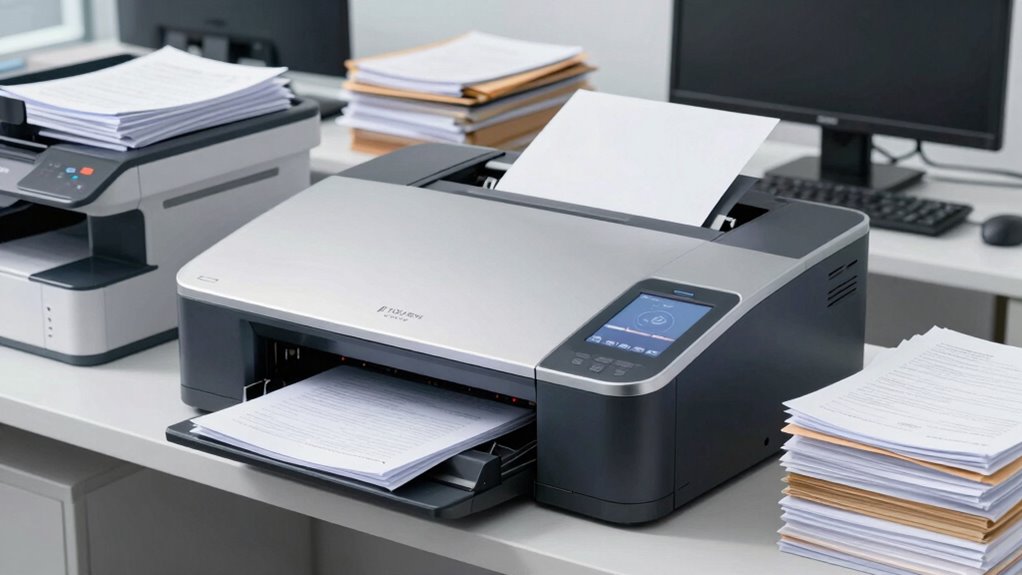
If your workflow involves handling large volumes of paper documents, choosing a scanner with the right features can dramatically improve efficiency. One of the most important features to prioritize is its ability to support digital storage. Instead of cluttering your workspace with paper copies, a scanner that seamlessly converts physical documents into digital files allows you to organize, search, and retrieve information quickly. Look for models that offer high-resolution scanning and multiple file format options, such as PDF, JPEG, or TIFF, so you can store documents in the most suitable format for your needs. The faster the scanner can process large batches, the more you’ll streamline your workflow and reduce time spent on manual filing.
Prioritize scanners with high-resolution, multiple file formats, and fast batch processing to optimize your digital storage workflow.
Another critical feature is cloud integration. Modern scanners that connect directly to cloud services like Google Drive, Dropbox, or OneDrive allow you to upload documents instantly without transferring files through a computer or external device. This capability means you can access scanned documents from anywhere, collaborate with team members in real-time, and eliminate the risk of losing important files due to hardware failure. Cloud integration also simplifies sharing and guarantees your documents are backed up securely, reducing the overhead of managing local storage. When choosing a scanner, verify that it supports the cloud platforms your team uses most, and check if it offers features like automatic uploads, which save you from manual steps and potential errors. Additionally, understanding the digital storage capabilities of a scanner can help you plan for future growth and increased document volumes. Incorporating automation features can further enhance efficiency by reducing manual input and streamlining repetitive tasks. Scanners with expandable storage options can accommodate growing data needs without requiring frequent hardware upgrades. Ensuring that your scanner supports scalable storage allows your workflow to adapt smoothly as your document volume expands, avoiding disruptions or the need for frequent replacements.
Speed and capacity are also essential in a paper-heavy environment. Look for high daily duty cycles and automatic document feeders (ADF) with high sheet capacities. This allows you to feed multiple pages at once, reducing the time spent feeding individual sheets. Coupled with features like duplex scanning, which captures both sides of a page in a single pass, you maximize efficiency and minimize handling. The ability to scan different paper sizes and types without adjustment adds further convenience, especially if you deal with mixed media.
Finally, user-friendly interfaces and reliable hardware are crucial. A touchscreen interface with intuitive controls helps you navigate settings quickly, while durable construction minimizes downtime due to jams or malfunctions. When your scanner is easy to operate and dependable, you can focus on your core tasks rather than troubleshooting equipment. Overall, selecting a scanner with robust digital storage options, seamless cloud integration, high speed, and ease of use ensures your paper-heavy workflow becomes more efficient, secure, and future-proof.

Epson Workforce ES-580W Wireless Color Duplex Tax Receipt & Desktop Document Scanner for PC and Mac with 100-sheet Auto Feeder (ADF), Intuitive 4.3' Touchscreen
EFFORTLESS WIRELESS SCANNING – With a 4.3" touchscreen and wireless connectivity, this high-speed scanner sends scans straight to…
As an affiliate, we earn on qualifying purchases.
As an affiliate, we earn on qualifying purchases.
Frequently Asked Questions
How Do Scanners Handle Fragile or Delicate Documents?
Scanners handle fragile or delicate documents with specialized features like gentle feed mechanisms and adjustable settings for fragile document handling. These features help prevent tears or damage, ensuring delicate paper preservation. You should look for scanners with soft-touch rollers, low-pressure contact, and manual feeding options. By using these, you can scan sensitive materials safely, maintaining their condition while digitizing them efficiently for your paper-heavy workflows.
Can Scanners Automatically Detect and Separate Different Document Types?
Yes, modern scanners can automatically detect and separate different document types through advanced features like document organization and automated sorting. You simply load your papers, and the scanner uses image recognition and metadata to distinguish between invoices, contracts, or receipts. This streamlines your workflow, saves time, and reduces manual sorting efforts, ensuring each document is correctly categorized and stored without you having to intervene constantly.
What Are the Maintenance Requirements for High-Volume Scanners?
High-volume scanners require regular maintenance, but it’s manageable with automatic calibration and minimal user upkeep. You should routinely clean rollers and check for paper jams to prevent downtime. Automatic calibration helps keep your scanner running smoothly without frequent manual adjustments. With simple user maintenance, you can guarantee consistent performance, extend your device’s lifespan, and avoid costly repairs, making your workflow more efficient and hassle-free.
How Secure Are Digital Scans When Stored or Shared?
Digital scans are quite secure when stored or shared, especially with features like digital encryption and cloud storage. Encryption protects your files from unauthorized access, while cloud storage allows you to control sharing permissions and access levels. Always guarantee your network is secure, use strong passwords, and enable two-factor authentication. These steps help safeguard sensitive information, making your digital scans a reliable and safe way to manage your documents.
Do Scanners Support OCR in Multiple Languages?
Yes, many scanners support OCR in multiple languages. They feature Multilingual OCR, allowing you to recognize text in various languages seamlessly. These scanners use advanced Language recognition technology to accurately convert scanned documents into editable text, regardless of the language. This capability is especially useful for global workflows, ensuring you can process documents in different languages efficiently without needing separate tools or software.

ScanSnap iX2500 Wireless or USB High-Speed Cloud Enabled Document, Photo & Receipt Scanner with Large 5" Touchscreen and 100 Page Auto Document Feeder for Mac or PC, Black
OUR MOST ADVANCED SCANSNAP. Large touchscreen, fast 45ppm double-sided scanning, 100-sheet document feeder, Wi-Fi and USB connectivity, automatic…
As an affiliate, we earn on qualifying purchases.
As an affiliate, we earn on qualifying purchases.
Conclusion
Think of your scanner as the engine that keeps your paper-heavy workflow running smoothly. When you choose features like high-speed scanning, automatic document feeders, and OCR, you’re fueling efficiency and accuracy. These tools clear the clutter and streamline your tasks, turning chaos into order. With the right scanner, you’ll navigate your workload like a well-oiled machine—powerful, reliable, and ready to conquer any paper mountain you face.

Epson Workforce ES-400 II Color Duplex Desktop Document Scanner for PC and Mac with Auto Doc Feeder (ADF), Image Adjustment Tools
FAST DOCUMENT SCANNING – Speed through stacks with the 50-sheet Auto Document Feeder, perfect for office scanning and…
As an affiliate, we earn on qualifying purchases.
As an affiliate, we earn on qualifying purchases.
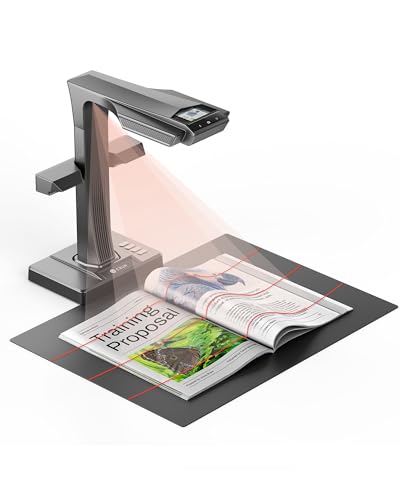
CZUR ET MAX Book Scanner, 38MP High-Resolution Overhead Document Scanner with Curve-Flattening, Auto Page Detection, OCR, HDMI Output, Compatible with Windows/Mac/Linux
Professional Overhead Book Scanner for Bound & Fragile Materials Contact-free overhead design allows you to scan books, archives,…
As an affiliate, we earn on qualifying purchases.
As an affiliate, we earn on qualifying purchases.