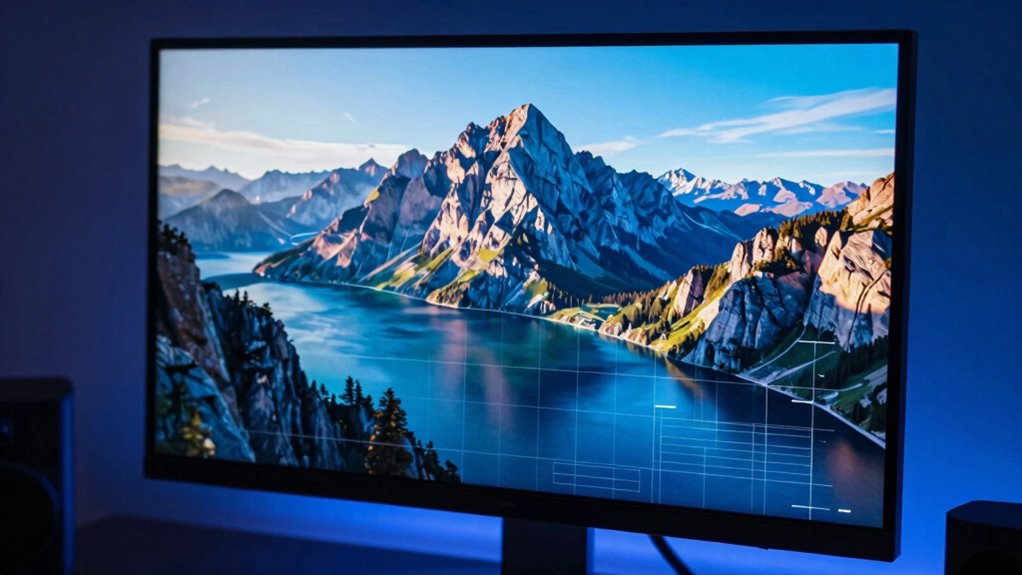

Your monitor’s refresh rate matters more than you might think, especially for reducing eye strain and boosting work comfort. A higher rate, like 75Hz or 120Hz, delivers smoother visuals, making scrolling, animations, and multitasking more fluid. While basic tasks are fine at 60Hz, creative work and data-heavy projects benefit from higher rates. Choosing the right refresh rate can enhance your productivity and ease fatigue—stick around to discover how to optimize your setup.

Get your next haul delivered free with Prime
- Fast, free delivery on millions of items
- Prime Video, Amazon Music and more included
- Member-only deals all year
Key Takeaways
- Higher refresh rates reduce motion blur, improving visual clarity during prolonged work sessions.
- Refresh rates of 75Hz or 120Hz offer noticeable enhancements over standard 60Hz for multitasking and detailed tasks.
- For basic office work, 60Hz is sufficient, but higher rates benefit creative tasks and smooth animations.
- Compatibility between hardware and monitor refresh rate is essential for optimal performance.
- Prioritizing the right refresh rate can reduce eye fatigue and boost overall productivity.
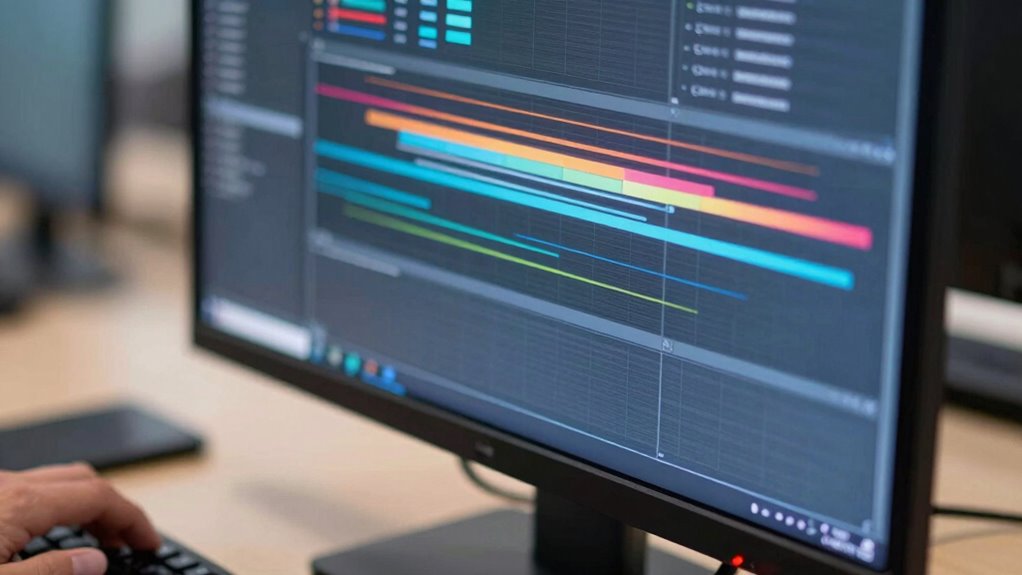
Choosing the right monitor refresh rate can considerably impact your productivity and comfort during work. While it’s often associated with gaming, refresh rate also influences how smoothly your workspace feels, especially during tasks that require quick movements or scrolling. If you’re working on detailed design projects, video editing, or multitasking with multiple windows, a higher refresh rate can make your experience more seamless and less straining. It’s not just about gaming performance; a higher refresh rate reduces motion blur and lag, making visuals crisper and responses more immediate, which directly benefits your visual comfort during long hours at your desk.
A higher refresh rate enhances visual clarity and comfort during long hours of detailed work and multitasking.
For work-related tasks, a standard refresh rate of 60Hz usually suffices, but increasing it to 75Hz or 120Hz can provide noticeable improvements. A higher refresh rate ensures that animations, cursor movements, and scrolling appear smoother, which can reduce eye fatigue and make your interactions feel more natural. This is especially true if you’re switching between multiple applications or working with content that involves frequent updates. When your screen refreshes more often, your eyes don’t have to work as hard to keep up with rapid movements, decreasing discomfort over time.
If your work involves detailed tasks like video editing or graphic design, a higher refresh rate can enhance your overall visual comfort. The smoother display helps you see finer details more clearly and reduces the strain caused by flickering or choppy visuals. Even in data-heavy tasks, such as spreadsheet management or coding, a fluid interface makes it easier to track changes and navigate efficiently. The key is finding a balance between your work needs and your hardware’s capabilities—while a 144Hz monitor might be overkill for simple word processing, it can be a game-changer for intensive multitasking and creative work. Additionally, understanding monitor refresh rate can help you optimize your setup for both comfort and performance.
Furthermore, considering air quality in your workspace can also influence your overall comfort and productivity, especially during long hours at your desk. Ultimately, your choice of refresh rate should align with your workflow. If you’re primarily doing static tasks, a standard 60Hz monitor will do just fine. But if you spend hours scrolling through documents, switching between windows, or engaging in creative work, investing in a monitor with a higher refresh rate can improve your visual comfort and reduce fatigue. Remember, the right refresh rate doesn’t just enhance gaming performance; it also plays a crucial role in how comfortably and efficiently you work. When you prioritize your visual comfort, you’re more likely to stay focused and productive throughout your day.
high refresh rate monitor for work
As an affiliate, we earn on qualifying purchases.
As an affiliate, we earn on qualifying purchases.
Frequently Asked Questions
How Does Refresh Rate Affect Eye Strain During Long Work Hours?
A higher refresh rate can reduce eye strain during long work hours by minimizing flicker, which often causes discomfort and fatigue. It also helps your eyes adapt more smoothly to motion on the screen, decreasing the need for constant focus adjustments. Additionally, looking for monitors with flicker reduction and blue light filters can further ease eye strain, making extended screen time more comfortable and less tiring for your eyes.
Is a Higher Refresh Rate Beneficial for Non-Gaming Professional Tasks?
A higher refresh rate acts like a smooth river, flowing seamlessly, even during your busy workday. While not essential for most professional tasks, it can improve refresh rate ergonomics, reducing flicker and eye fatigue. Professional monitor standards often prioritize color accuracy and resolution, but a higher refresh rate can still provide a more comfortable viewing experience, especially during long hours at your desk. It’s a subtle upgrade that might boost your overall comfort.
What Is the Ideal Refresh Rate for Multitasking Across Multiple Monitors?
For multitasking across multiple monitors, a refresh rate of at least 60Hz is ideal to guarantee smooth visuals and reduce eye strain. Higher refresh rates, like 75Hz or 144Hz, can enhance ergonomic comfort by providing more fluid motion and less flicker, especially during extended work sessions. Prioritizing a good refresh rate helps you stay comfortable and focused, minimizing fatigue and improving overall productivity.
Can a Low Refresh Rate Cause Lag in Professional Software?
A low refresh rate can cause lag in professional software, especially if your hardware isn’t compatible with higher rates. When your monitor’s refresh rate drops, you might notice sluggish response times or stuttering, which hampers productivity. To prevent this, verify your hardware supports the desired refresh rate and upgrade your monitor if needed. A higher refresh rate provides smoother visuals, reducing lag and improving your overall workflow.
How Does Refresh Rate Impact Video Editing and Color Accuracy?
Think of your monitor as a painter’s canvas—higher refresh rates enhance visual fidelity, especially in video editing. A fast refresh rate reduces motion blur, helping you see smoother shifts and more precise color accuracy. This means you can trust your display to reflect true colors, making it easier to spot subtle differences. Overall, a higher refresh rate improves your editing accuracy, ensuring your final output matches your creative vision perfectly.
As an affiliate, we earn on qualifying purchases.
Conclusion
So, after all this, you might think high refresh rates are just for gamers. But here’s the irony: when you’re working, it’s not about chasing the fastest flicker. It’s about comfort, clarity, and reducing eye strain—things that don’t always need a lightning-fast display. So, while a high refresh rate *sounds* impressive, sometimes a steady, smooth 60Hz is all you really need to keep your eyes happy and your work flowing. Who knew?
professional 120Hz monitor for creative work
As an affiliate, we earn on qualifying purchases.
As an affiliate, we earn on qualifying purchases.
ergonomic monitor with high refresh rate
As an affiliate, we earn on qualifying purchases.
As an affiliate, we earn on qualifying purchases.
Columbus Day / Indigenous Peoples' Day Picks
long weekend sales
As an affiliate, we earn on qualifying purchases.