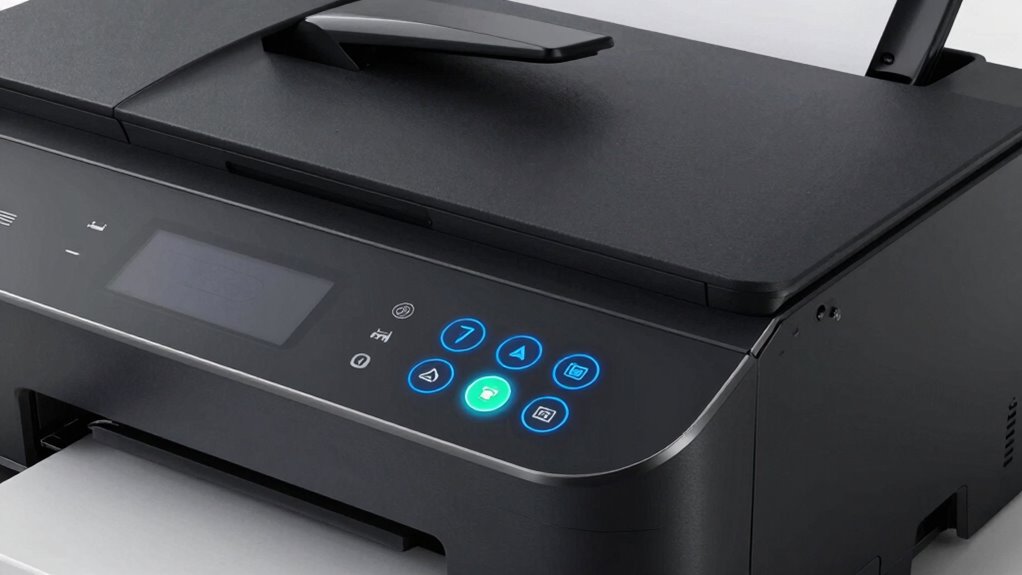

When choosing a laser printer, understanding basic terms helps you pick the right one. Print resolution shows how sharp and detailed your images will be, measured in dots per inch (dpi). The toner cartridge holds the powder used to create your prints, with larger capacity cartridges lasting longer. Print speed indicates how many pages your printer can produce per minute. Considering maintenance and extra features guarantees your printer keeps running smoothly. Keep exploring these terms to find the best fit for your needs.

Get your next haul delivered free with Prime
- Fast, free delivery on millions of items
- Prime Video, Amazon Music and more included
- Member-only deals all year
Key Takeaways
- Print resolution indicates how clear and detailed your printed images and text will be.
- Toner cartridges contain dry powder that creates images when fused onto paper.
- Print speed measures how many pages a printer can produce per minute.
- Regular maintenance and choosing the right toner help keep the printer working efficiently and cost-effectively.
- Additional features like paper capacity and connectivity options enhance overall printer performance.
Have you ever wondered what all those technical terms mean when you’re shopping for a laser printer? It can be overwhelming with all the jargon thrown around, but understanding some key terms can make choosing the right printer much easier. For example, print resolution is a vital factor. It describes how sharp and detailed your printed images and text will be. Think of it as the clarity of the final product. Higher resolution means crisper lines and finer details, which is especially important if you print photos or detailed graphics. Typically, print resolution is measured in dots per inch (dpi). A printer with 1200 dpi, for instance, produces more detailed images than one with 600 dpi. Knowing this helps you decide whether you need a printer with high resolution for professional-quality prints or if a standard resolution will suffice for everyday documents. Understanding the print resolution helps you evaluate the quality of your prints more accurately.
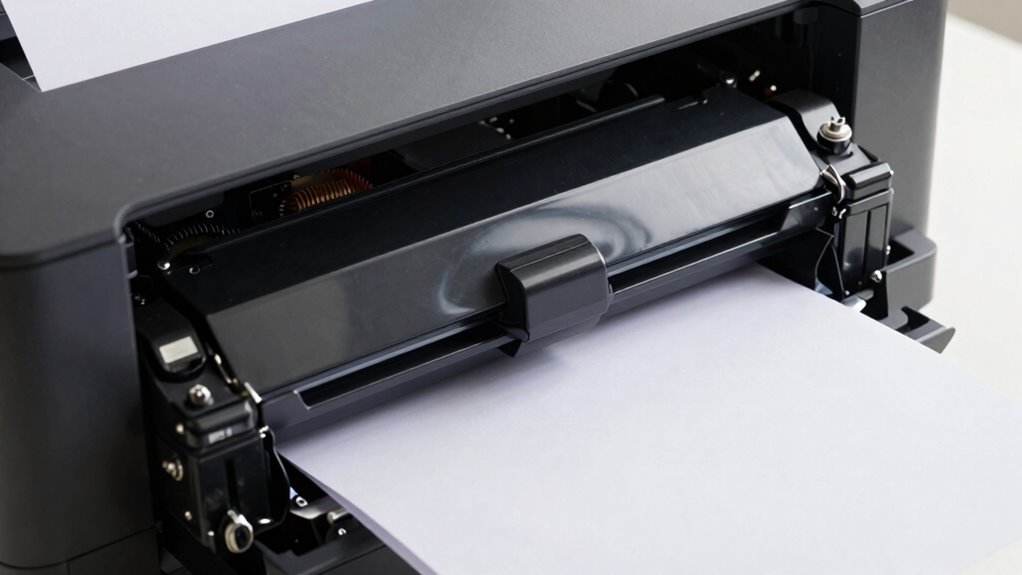
Another term you’ll hear a lot is toner cartridge. This is the component that holds the toner powder used to create images and text on paper. Unlike ink in inkjet printers, toner is a dry powder that gets fused onto paper with heat during the printing process. When your toner runs low, you’ll need to replace or refill the toner cartridge. The quality and capacity of the toner cartridge directly affect your print quality and how often you’ll need to buy replacements. Larger capacity cartridges cost more upfront but last longer, making them more economical if you print frequently. Conversely, smaller cartridges are less expensive but require more frequent replacements. It’s important to choose the right toner cartridge for your needs because incompatible or low-quality toner can lead to poor print quality or damage your printer. Additionally, understanding the impact of toner quality can help you maintain optimal print performance and avoid unnecessary repairs. Being aware of printer maintenance routines can also extend the lifespan of your device and ensure consistent results.
Furthermore, print speed is another key feature that varies between models and can influence your productivity, especially in high-volume printing environments. Understanding these terms is just the beginning. When shopping for a laser printer, you’ll encounter other important features like print speed, paper capacity, and connectivity options. Still, focusing on print resolution and toner cartridges helps you assess whether a printer will deliver the quality you need and how much ongoing maintenance will cost. High print resolution ensures your documents look professional, while the right toner cartridge choice saves you time and money in the long run. By knowing what these terms mean, you’re better equipped to compare models and select a printer that fits your specific printing needs, without getting lost in the technical language.
Products Worth Considering

Levoit Core 400S-P Smart Air Purifier for Large Rooms

LEVOIT Vital 200S-P Smart Air Purifier for Large Rooms

Therabody Theragun Relief Massage Gun, 3-Speed, Black
As an affiliate, we earn on qualifying purchases.
Frequently Asked Questions
How Does a Laser Printer Differ From an Inkjet Printer?
A laser printer differs from an inkjet printer mainly in speed and quality. Laser printers are faster and handle large volumes of color printing efficiently, producing sharp images on various paper types. Inkjet printers, however, excel at printing high-quality photos but are slower and may struggle with certain paper types. If you need quick, professional-looking color prints on different papers, a laser printer is typically the better choice.
What Is the Typical Lifespan of a Laser Printer?
Like a vintage typewriter, a laser printer can last around 5 to 10 years with proper maintenance routines. You’ll want to regularly clean components and replace parts as needed. Upgrading options, such as new toner cartridges or firmware updates, can extend its lifespan. If you keep up with these practices, your laser printer stays reliable and efficient, making it a long-term investment even as technology advances.
How Much Does It Cost to Operate a Laser Printer Monthly?
On average, you’ll spend about $20 to $50 a month operating a laser printer, depending on usage. To keep costs low, do a cost comparison of toner brands and buy in bulk. Regular maintenance tips, like cleaning the drum and changing filters, can extend your printer’s lifespan and reduce repair expenses. Staying on top of these practices helps you save money and guarantees smooth, efficient printing.
Can Laser Printers Print on Different Types of Paper?
Laser printers are versatile workhorses that can handle various paper types, making your printing options as broad as an artist’s palette. You can print on different types of paper—like cardstock, labels, and transparencies—thanks to their wide paper compatibility. This printing versatility means you’re not limited to just standard paper, allowing you to tailor your projects to suit your needs, whether for professional presentations or creative crafts.
What Are Common Troubleshooting Steps for Laser Printer Issues?
When troubleshooting laser printer issues, start with basic maintenance tips like checking toner levels and cleaning the drum. For paper jam fixes, carefully remove jammed paper without tearing it to avoid further problems. Make sure the paper is loaded correctly and not overloaded. Restart the printer to clear errors, and update drivers if issues persist. Regular maintenance and gentle handling can prevent many common problems and keep your printer running smoothly.
Conclusion
So, now that you’ve uncovered these laser printer terms, you’re almost ready to master your device. But there’s one vital detail still lurking in the shadows—something that could change how you print forever. Are you prepared to reveal its full potential? Keep exploring, stay curious, and don’t let the jargon hold you back. Your next printing breakthrough might be just around the corner—waiting to transform your entire experience. Are you ready to take the leap?