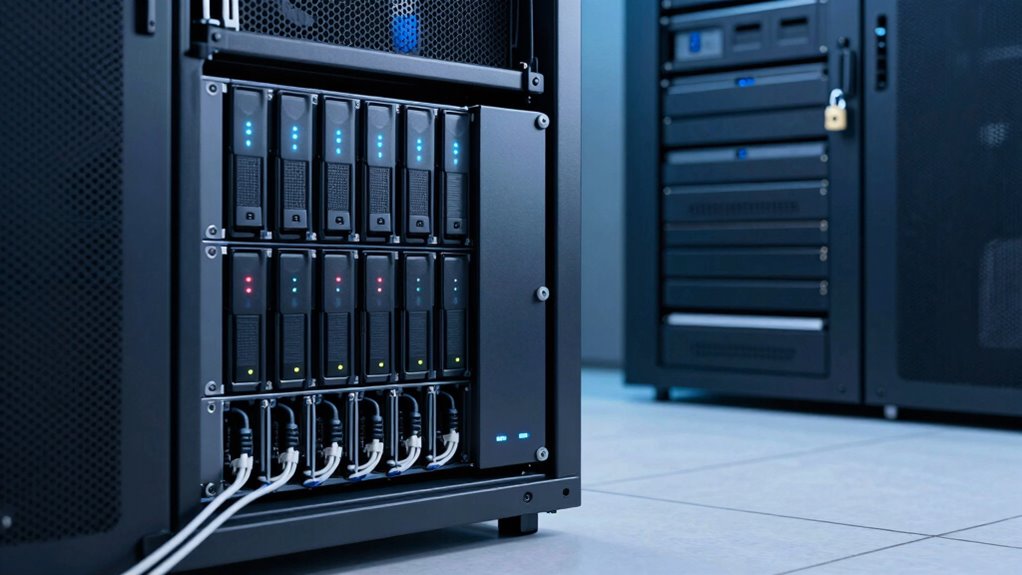

NAS storage is mainly for sharing and quick access to files on your network, but it isn’t a reliable backup solution on its own. It’s vulnerable to hardware failure, malware, and physical damage, which can lead to data loss. To protect your information effectively, you need a broader strategy that includes off-site backups and encryption. Keep exploring to understand how to use NAS as a part of a complete data protection plan.
Key Takeaways
- NAS provides centralized storage but does not inherently protect against data loss or corruption.
- Data on NAS can be compromised by malware, hardware failure, or physical damage.
- NAS alone lacks the independent backup copies necessary for effective data recovery.
- Backup strategies require off-site or cloud copies, which NAS alone does not ensure.
- Relying solely on NAS does not fulfill comprehensive data protection or disaster recovery needs.

When it comes to protecting your data, understanding the difference between NAS storage and backup is fundamental. Network-Attached Storage (NAS) provides a centralized location for storing and accessing files on your network. It’s designed for quick retrieval, sharing, and collaboration. You can easily set up your NAS device to enable cloud synchronization, allowing you to back up data to cloud services or access files remotely. This convenience makes NAS a popular choice for small businesses and home users alike. However, NAS isn’t a true backup solution on its own, especially if you’re relying solely on it. If your NAS gets infected with malware, hardware fails, or suffers physical damage, your data could be lost unless you’ve created separate copies elsewhere. That’s why understanding the distinction is fundamental.
A backup involves creating copies of your data stored in a different location, often with the intent of restoring files after data loss or corruption. Backups are designed to be independent of your primary data source, making sure that even if your NAS or computer is compromised, your information remains safe. This is where cloud synchronization becomes indispensable. By syncing your data with cloud services, you’re essentially creating off-site copies that can be retrieved if your local storage fails. Many backup solutions also incorporate data encryption, which encrypts your files both during transfer and while at rest in the cloud, adding an extra layer of security. This is especially important when handling sensitive or confidential information, as it helps prevent unauthorized access. Additionally, understanding data redundancy is crucial in designing an effective data protection strategy. Implementing multiple copies across different storage media can help ensure your data’s integrity remains intact over time.
While NAS offers a convenient way to access and share files on your local network, it’s not enough as a standalone backup plan. You need to think of NAS as a part of a broader data protection strategy that includes regular backups stored separately, preferably with cloud synchronization. This way, you can restore your data quickly if needed, knowing that your backup copies are protected by encryption and stored in a secure location. Remember, the main goal is to minimize the risk of data loss, not just to store files. So, always make sure your backup solution is separate from your NAS storage, and that it includes encryption and cloud synchronization options to keep your data safe, accessible, and recoverable. Moreover, understanding data integrity can help ensure your backups are reliable and uncorrupted.
As an affiliate, we earn on qualifying purchases.
Frequently Asked Questions
Can NAS Storage Replace Traditional Backups Entirely?
No, NAS storage can’t replace traditional backups entirely. While it offers data redundancy and easy user access, it’s primarily designed for storage and sharing, not protecting against data loss. Relying solely on NAS means a single point of failure, like hardware failure or ransomware. To guarantee thorough protection, you should continue using dedicated backup solutions alongside NAS, safeguarding your data against various risks and ensuring quick recovery.
How Does NAS Handle Data Recovery After Hardware Failure?
When hardware fails, NAS handles data recovery through disaster recovery strategies and hardware redundancy. You might worry about losing access, but the system’s built-in redundancy keeps your data safe, allowing you to restore files quickly. NAS devices often feature RAID configurations, ensuring continuous operation and minimal downtime. While it’s not a complete backup solution, NAS provides reliable recovery options that keep your data protected during hardware failures.
Is NAS Storage Suitable for Long-Term Data Archiving?
Yes, NAS storage can be suitable for long-term data archiving, especially if you implement data encryption to protect your files and control user access effectively. You should regularly verify data integrity and consider off-site backups for added security. Keep in mind, though, that NAS isn’t inherently designed for long-term storage, so maintaining hardware and updating firmware are essential to guarantee your archived data remains accessible and secure over time.
What Security Measures Protect NAS Data From Cyber Threats?
Think of your NAS as a fortress guarding your data. You protect it with encryption protocols that scramble your information, making it unreadable to intruders. Access controls act like vigilant guards, ensuring only authorized people step inside. Regular updates and strong passwords further bolster your defenses. By combining these security measures, you turn your NAS into a resilient stronghold against cyber threats, keeping your data safe and sound.
Can NAS Storage Support Cloud Backup Integration?
Yes, NAS storage can support cloud backup integration. You can set up cloud synchronization to automatically back up your NAS data to the cloud, ensuring extra protection. Many NAS devices also use data encryption to keep your data safe during transfer and storage. This combination allows you to easily expand your backup options and safeguard your data against hardware failures or cyber threats.
cloud backup service subscription
As an affiliate, we earn on qualifying purchases.
As an affiliate, we earn on qualifying purchases.
Conclusion
Remember, don’t put all your eggs in one basket. NAS storage and backups serve different purposes—you use NAS for quick access and sharing, but backups protect your data from loss or corruption. Relying solely on NAS isn’t enough; it’s like building a house on shaky ground. Keep your data safe by implementing a dedicated backup strategy alongside your NAS. Stay proactive, because an ounce of prevention is worth a pound of cure.
encryption software for data protection
As an affiliate, we earn on qualifying purchases.
As an affiliate, we earn on qualifying purchases.
As an affiliate, we earn on qualifying purchases.