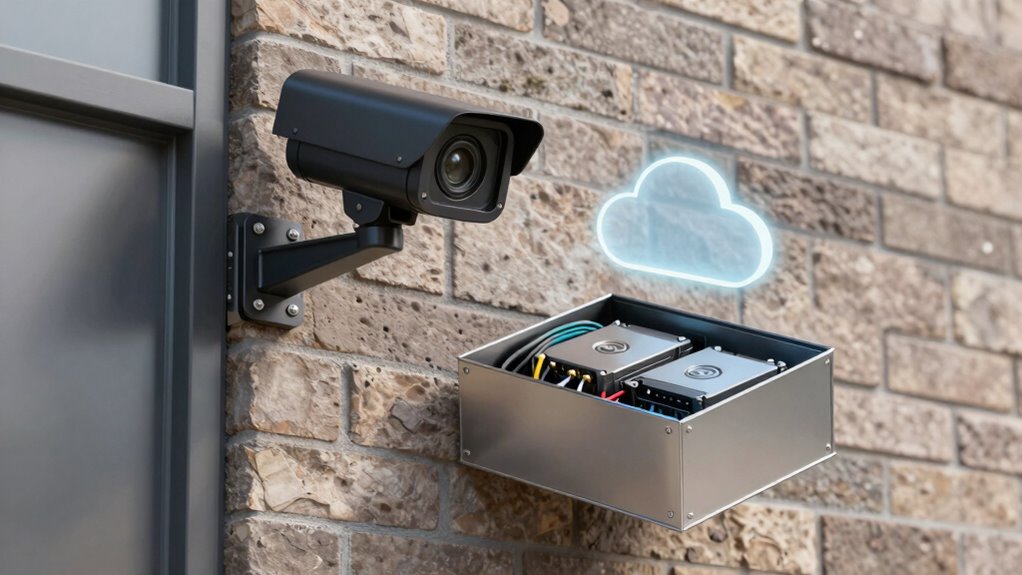

When choosing between local storage and cloud for your security cameras, consider your needs for control, security, and accessibility. Local storage offers full control over your footage and is often more secure against online threats, but it requires maintenance and hardware investment. Cloud storage provides remote access and scalability, making it easier to manage, though it depends on internet stability and involves ongoing costs. To find the best fit, explore the key differences and security considerations further.
Key Takeaways
- Local storage offers full control over footage and enhanced encryption, while cloud storage provides remote access and automatic updates.
- Cloud solutions are scalable and require less maintenance but depend on strong provider security measures.
- Local storage needs upfront hardware investment and ongoing upkeep, whereas cloud storage relies on subscription fees and easier management.
- Higher resolution footage increases storage needs for both options, influencing cost and capacity planning.
- Security priorities and desired access flexibility determine whether local storage or cloud storage best suits user needs.
What Are the Main Differences Between Local and Cloud Storage?
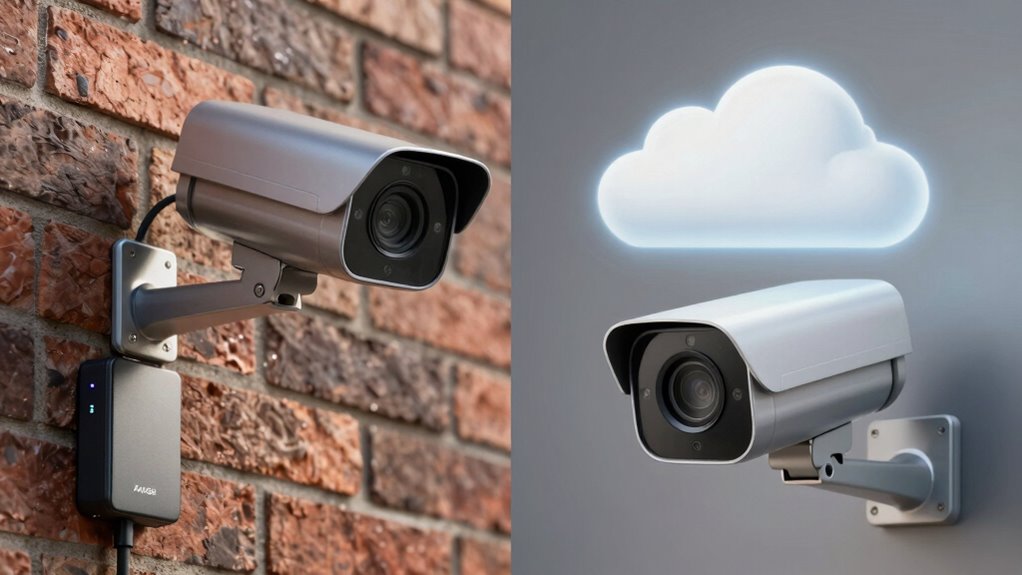
Have you ever wondered how security cameras store their footage? When it comes to local versus cloud storage, the main differences lie in how data is managed and accessed. Local storage, like DVRs or NVRs, relies on physical devices, which often use video compression to reduce file sizes and save space. This method can limit storage scalability, as you’ll need to add more hardware to increase capacity. Cloud storage, on the other hand, uploads footage to remote servers, offering virtually unlimited scalability. It also benefits from advanced video compression algorithms that optimize storage efficiency across large data sets. Additionally, Vetted – Nightingale Studio highlights that storage solutions should also consider factors like security and data management strategies to ensure comprehensive data security and accessibility. Considering the storage capacity of each option can help in making an informed decision tailored to your security needs, especially when evaluating the scalability of your security infrastructure. As technology advances, cloud-based solutions are becoming increasingly popular due to their flexibility and ease of use.
Which Storage Option Is Safer for Your Data and Privacy?

When choosing a storage option, you need to think about how well your data is protected and how much control you have over your privacy. Local storage often offers stronger security measures, but cloud options can give you more privacy controls. Understanding these differences helps you decide which method keeps your footage safest. Additionally, privacy policies and how transparent providers are about their data handling can significantly impact your overall security and trust. Considering the security features of your storage method is essential in safeguarding your footage from unauthorized access. For example, encryption protocols can greatly enhance the security of stored footage regardless of the storage location. Furthermore, being aware of data breach risks associated with cloud storage can influence your decision to prioritize local storage for sensitive footage. Moreover, understanding the psychological impact of animal companionship can help you choose the storage method that aligns best with your emotional well-being and peace of mind.
Data Security Measures
Choosing the right storage option for your security camera footage is essential for protecting your data and privacy. Cloud storage often uses robust encryption methods, ensuring your footage remains secure during transmission and while stored. Additionally, cloud providers typically implement strict access controls, allowing only authorized users to view or manage your data. Local storage, such as DVRs or NAS devices, can also be secured with encryption and physical security measures, but it relies heavily on your setup’s strength. Properly configuring access controls on your local devices is critical to prevent unauthorized access. Both options can be secure if you implement strong encryption methods and manage access controls carefully. Employing security best practices for your storage setup is crucial to maintaining data integrity and privacy. Ultimately, your choice depends on your ability to maintain these security measures effectively.
Privacy Control Options
Selecting the right storage option directly impacts your control over privacy and data security. Cloud storage often offers advanced encryption protocols, safeguarding your footage during transmission and storage. It also allows you to set user access permissions, limiting who can view or modify recordings. Conversely, local storage keeps data on physical devices, giving you direct control over access and reducing reliance on third parties. Consider this table:
| Feature | Cloud Storage | Local Storage | Your Control |
|---|---|---|---|
| Encryption Protocols | Usually strong, cloud-managed | Depends on device setup | Complete control if properly configured |
| User Access | Controlled via account permissions | Managed through physical access | Total control with physical security |
| Data Privacy | Subject to provider policies | Fully in your hands | Highest, if secured properly |
| Vulnerability | Potential remote breaches | Physical theft or damage | Minimized with proper safeguards |
Additionally, understanding the security implications of each option helps you make an informed decision based on your specific needs. Being aware of potential remote breaches emphasizes the importance of choosing storage that aligns with your privacy comfort level. Regularly reviewing and updating your security measures is crucial to maintaining data integrity and privacy. Your choice hinges on balancing convenience, encryption, and direct control. Implementing security best practices can further enhance your data protection regardless of the storage method you select. Moreover, regularly updating your security measures and staying informed about emerging threats can help mitigate risks effectively.
What Are the Pros and Cons of Local Storage for Security Cameras?
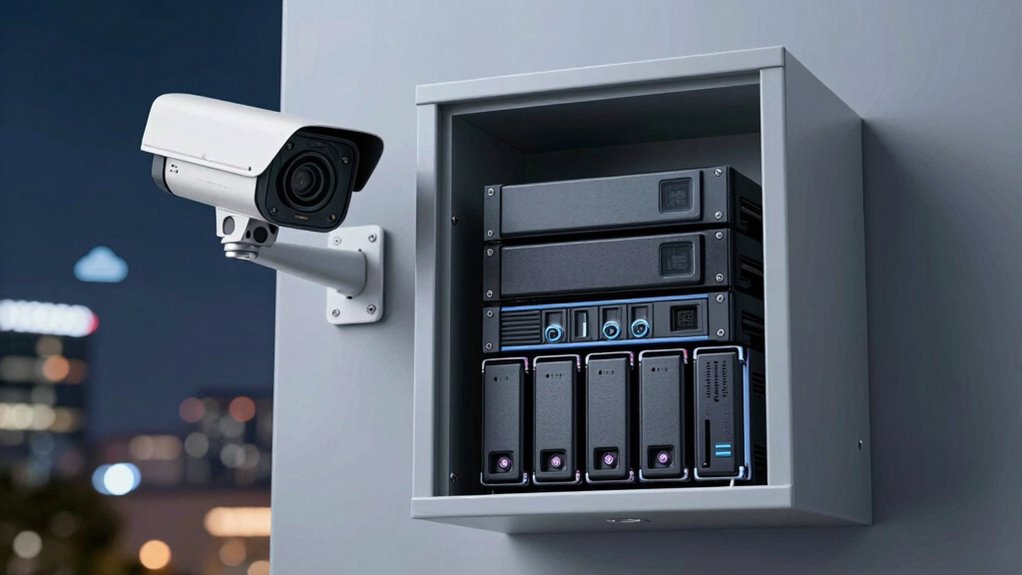
Local storage for security cameras offers several advantages, but it also comes with notable drawbacks. One benefit is greater control over your footage, as you store data directly on a dedicated device like a DVR or NAS. This setup often provides better encryption standards, helping protect your recordings from unauthorized access. Additionally, local storage guarantees data redundancy—you won’t lose footage if the internet connection drops or the cloud service experiences an outage. Furthermore, data security measures can be more easily implemented and customized when managing local storage systems. Implementing regular data backups can further enhance your system’s resilience against data loss. However, implementing support networks for maintenance and troubleshooting can be challenging for some users. While local storage grants you control, it demands more effort and responsibility to ensure data security and storage management. Proper storage maintenance is essential to keep your system running smoothly and securely.
What Are the Pros and Cons of Cloud Storage for Security Cameras?
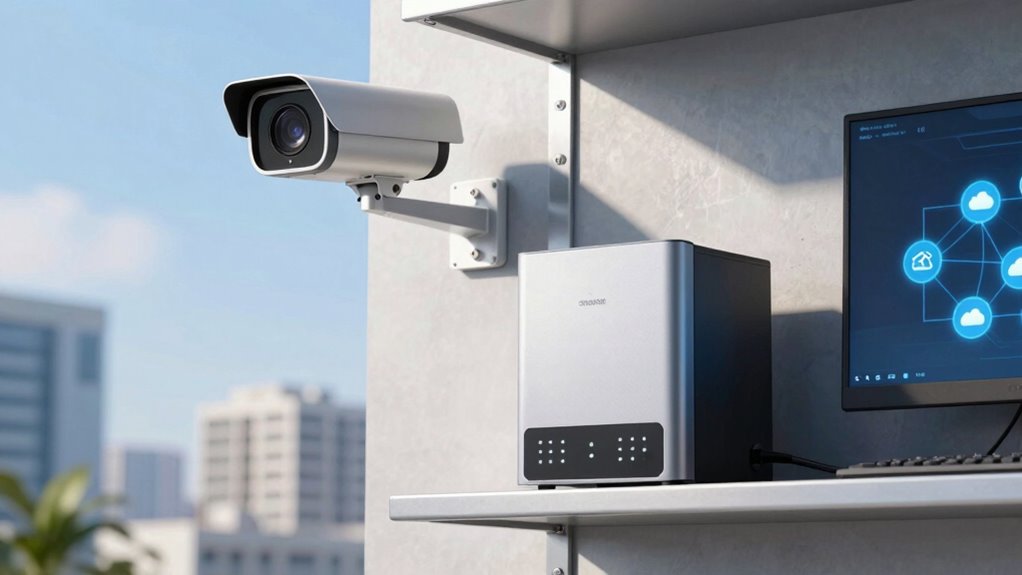
Cloud storage offers a convenient way to access your security footage from anywhere with an internet connection, eliminating the need for physical devices. However, it comes with cybersecurity risks; your footage could be vulnerable to hacking if your provider’s security isn’t strong enough. It’s essential to choose a vendor with a reliable reputation, as their security measures directly impact your data safety. While cloud storage simplifies remote access and offers automatic backups, you depend on an internet connection, which can be a drawback during outages. Additionally, trusting a third-party vendor means placing your footage in their hands, so evaluating their reliability and security protocols is vital. Security protocols are critical in safeguarding your footage from potential breaches. Furthermore, understanding the data encryption methods used by providers can significantly influence your security confidence. Implementing regular security assessments can help identify vulnerabilities and ensure ongoing protection for your footage.
How Do Costs Compare Between Local and Cloud Storage Solutions?
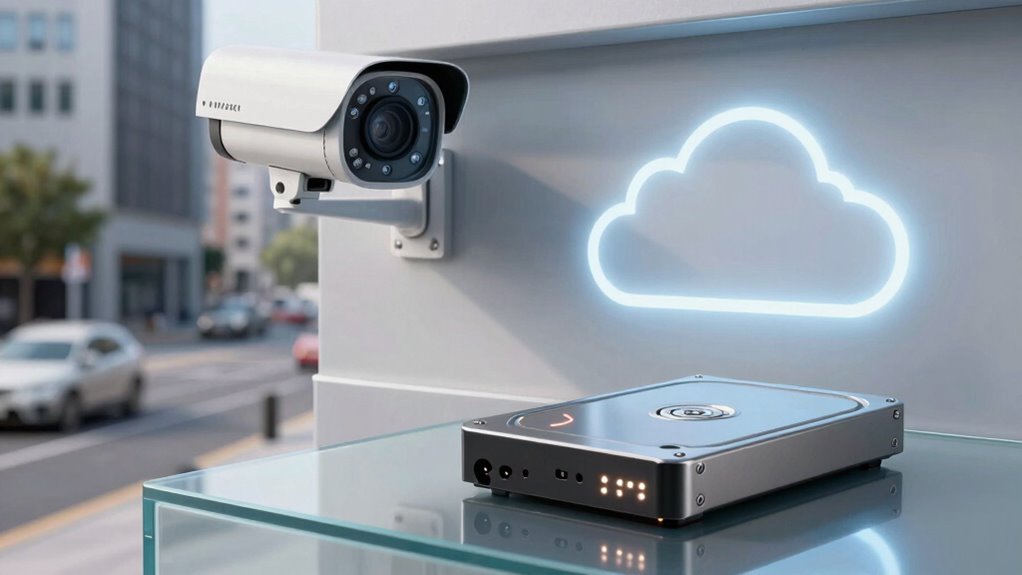
When comparing costs, it’s important to contemplate both the upfront and ongoing expenses associated with each storage option. Local storage involves purchasing hardware like hard drives or NVRs, which can be a significant initial investment. Cloud storage, on the other hand, often relies on subscription fees that vary based on storage capacity and features. Over time, these subscription fees can add up, potentially surpassing the cost of local hardware. Consider the following cost comparison:
| Aspect | Local Storage | Cloud Storage |
|---|---|---|
| Upfront Cost | Hardware purchase (hard drives, NVR) | No hardware, initial setup fee (if any) |
| Ongoing Expenses | Maintenance, replacement parts | Monthly or yearly subscription fees |
| Total Cost Over Time | Can be higher or lower depending on hardware lifespan | Likely to increase with storage needs |
Evaluate both factors to determine which solution fits your budget best.
Which Storage Method Is Easier to Manage and Maintain?
When choosing a storage method, you’ll find that cloud solutions often offer easier access from anywhere without extra effort. Local storage can require more regular maintenance and manual data management to keep everything running smoothly. Consider how much time and effort you’re willing to invest in managing your footage to decide which option suits your needs best.
Ease of Access
Choosing the right storage method considerably impacts how easily you can access and manage your security footage. With local storage, you might face accessibility challenges if you’re not near the device or lack the proper connections. It requires physically retrieving the storage device, which can be inconvenient. Cloud storage, on the other hand, offers instant access from any device with an internet connection, making it more convenient for remote viewing. However, device compatibility can sometimes be an issue if your devices or network aren’t supported by the cloud platform. Overall, cloud storage typically provides easier and faster access, but local storage gives you control without relying on internet connections. Your choice depends on your need for immediate access versus control and ease of management.
Maintenance Requirements
Cloud storage generally requires less ongoing maintenance because it handles backups, updates, and security measures automatically. This means you don’t need to worry about regularly managing storage devices or performing manual backups. With cloud solutions, your camera installation remains simpler, as there’s less hardware to troubleshoot or upgrade. Power requirements are also minimal since most cloud services don’t impact your camera’s power needs directly. You just need a reliable internet connection and a steady power source for your cameras. In contrast, local storage often demands regular maintenance, including checking hard drives, replacing faulty components, and managing storage capacity. Overall, cloud storage simplifies maintenance, freeing you from routine hardware management and reducing the time spent on upkeep.
Data Management Complexity
Managing data from security cameras can be straightforward or complex depending on your storage choice. With local storage, you control data backup and must regularly update hardware to ensure reliability. It can be more hands-on but offers direct access, making management simpler for small setups. Cloud storage, on the other hand, reduces your data backup worries because providers handle backups automatically. It also offers greater storage scalability, allowing you to expand capacity without physical upgrades. However, managing cloud accounts and monitoring ongoing costs can add complexity. Ultimately, local storage demands more maintenance and planning, while cloud storage simplifies data management but requires trust in a third-party provider. Your choice depends on your comfort with technical tasks and scalability needs.
How Do You Decide Which Storage Option Fits Your Security Needs?
How do you determine which storage option best suits your security needs? Start by considering your desired video resolution. Higher resolution footage provides clearer images but requires more storage capacity, meaning you’ll need more space whether you’re using local storage or cloud services. Next, assess how much footage you need to store and for how long. If you need extensive storage capacity and long-term access, local storage can be cost-effective, especially with larger hard drives. Conversely, if you prefer easy access from anywhere and don’t want to manage physical devices, cloud storage offers flexibility. Think about your security priorities—whether detailed video quality or effortless remote access matters most—and match those needs to the storage solution that fits your budget and technical comfort level.
Frequently Asked Questions
Can I Switch Between Local and Cloud Storage Easily Later?
Yes, you can switch between local and cloud storage later, but it depends on your camera system’s design. Some offer storage flexibility, allowing easy upgrades or changes, while others might pose upgrade challenges. Check if your camera supports both options or if it’s compatible with different storage solutions. Planning ahead helps avoid difficult shifts later, ensuring you can adapt your security setup as your needs evolve.
How Do Storage Options Impact Video Quality and Playback Speed?
Like a well-tuned orchestra, your storage options influence video quality and playback speed through the harmony of video compression and storage redundancy. Local storage often provides higher quality with less compression, ensuring clear footage and faster access. Cloud storage may involve more compression, which can reduce clarity but offers redundancy that minimizes data loss. Your choice impacts how smoothly and clearly you experience your security footage.
Are There Legal Regulations Affecting Cloud Vs Local Storage Use?
Yes, legal regulations can affect your choice between cloud and local storage. Privacy concerns and jurisdictional laws require you to adhere to data protection rules, which may restrict where and how you store footage. For example, some regions have strict privacy laws that limit cloud storage or require encryption. You should stay informed about local laws to ensure your security camera setup remains compliant and protects your privacy.
How Does Internet Speed Influence Cloud Storage Performance?
Internet speed is like a highway for your cloud storage, determining how quickly footage uploads and downloads. When your internet bandwidth is high, videos stream smoothly with minimal data latency, ensuring real-time access. Conversely, slow speeds cause delays, buffering, and potential data loss. For reliable security footage access, a fast, stable internet connection is essential, reducing latency and making sure your cloud storage performs at its best when you need it most.
What Are the Best Practices for Securing Stored Footage?
You should implement strong encryption techniques to protect your stored footage from unauthorized access. Additionally, set strict access controls, such as multi-factor authentication and user permissions, to limit who can view or modify the footage. Regularly update your security software and passwords, and monitor access logs for suspicious activity. These practices guarantee your footage remains secure, safeguarding your privacy and preventing potential breaches.
Conclusion
Deciding between local and cloud storage boils down to your security, simplicity, and savings. Weigh the wins and woes of each to wisely select what works best for your needs. Whether you favor flexibility, privacy, or cost, making a mindful move guarantees your security system stays strong and straightforward. Remember, your decision should deliver dependable protection, data durability, and peace of mind—so pick the storage solution that suits your security style perfectly.