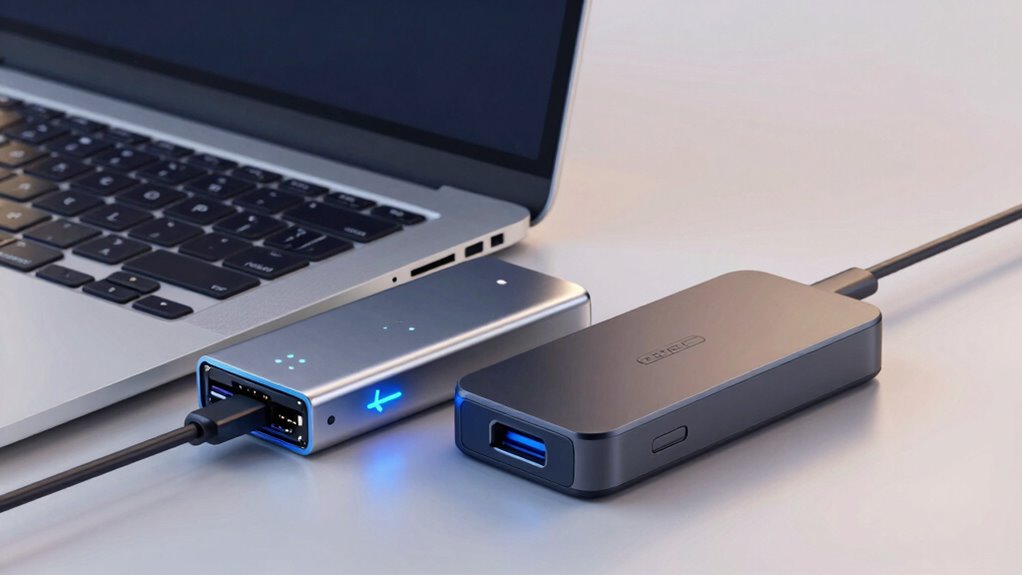

Thunderbolt and USB-C docks both connect your devices, but they differ in speed, expandability, and cost. Thunderbolt offers faster transfer rates (up to 40 Gbps) and supports multiple high-speed devices, making it ideal for creative professionals. USB-C is more affordable and suitable for everyday tasks like file sharing and streaming, with speeds up to 20 Gbps. To find out which fits your needs best, explore how each connects and performs across various setups.

Get your next haul delivered free with Prime
- Fast, free delivery on millions of items
- Prime Video, Amazon Music and more included
- Member-only deals all year
Key Takeaways
- Thunderbolt offers faster transfer speeds (up to 40 Gbps) and better support for high-performance peripherals compared to USB-C.
- Both use the same physical port, but Thunderbolt provides more versatile expandability and device compatibility.
- Thunderbolt docks are generally more expensive but ideal for demanding tasks like large file transfers and multiple high-res monitors.
- USB-C docks are more affordable, suitable for everyday use, media streaming, and standard device connections.
- Thunderbolt supports higher power delivery (up to 100W), beneficial for charging laptops and power-hungry devices simultaneously.
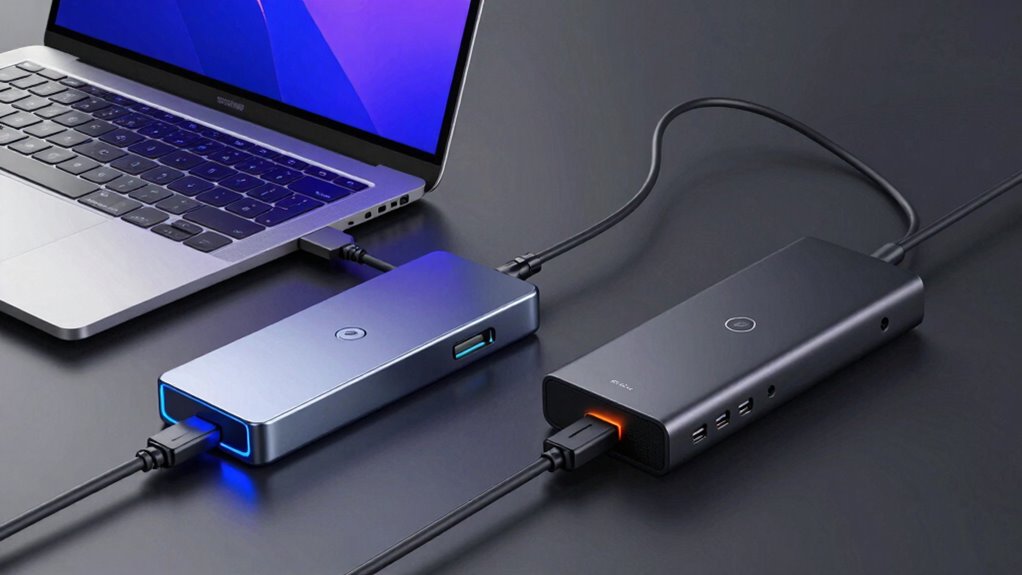
When choosing between Thunderbolt and USB-C docks, understanding their differences can substantially impact your device’s performance and compatibility. Both types use the same physical port, but their capabilities vary greatly, especially regarding data transfer and power delivery. Knowing these distinctions helps you select the right dock for your needs, whether you’re aiming for faster data speeds or more efficient power management.
Thunderbolt docks excel in high-speed data transfer. They support transfer rates up to 40 Gbps, which is ideal if you regularly move large files, use multiple high-resolution displays, or connect demanding peripherals. This speed ensures minimal lag and quick data access, making it perfect for creative professionals, video editors, or anyone handling large media files. On the other hand, USB-C docks typically offer data transfer speeds up to 10 Gbps with USB 3.1 or 20 Gbps with USB 3.2, which suits everyday tasks like file sharing, peripheral connections, and standard media streaming. If your work involves heavy data loads or multiple high-res monitors, Thunderbolt’s superior transfer rates will make a noticeable difference. Plus, compatibility with various devices can influence your overall experience and ease of use. Additionally, the expandability of Thunderbolt docks allows for more versatile configurations with multiple high-speed devices simultaneously. It’s also worth noting that the cost of Thunderbolt docks tends to be higher due to their advanced capabilities, which may influence your decision based on your budget.
Power delivery is another vital aspect shaping your choice. Thunderbolt docks usually support higher wattages, often delivering up to 100W of power, enough to charge laptops while connected. This reduces the need for separate charging cables and keeps your workspace cleaner. USB-C docks also support power delivery, but their maximum wattage can vary—typically between 60W and 100W depending on the model. If you need to power a laptop or other high-performance device through your dock, verify it supports sufficient wattage. Furthermore, power delivery standards are continually evolving to support even higher wattages and efficiencies for demanding setups. Remember, both standards aim to simplify your setup by combining data transfer and power delivery into one port, but Thunderbolt’s higher power capacity may give it an edge for demanding setups. Additionally, device compatibility plays a crucial role in ensuring seamless performance across your equipment.
Products Worth Considering

Therabody Theragun Relief Massage Gun, 3-Speed, Black

LEVOIT Vital 200S-P Smart Air Purifier for Large Rooms

Hyperice Normatec Elite Wireless Compression Boots Recovery – Standard Size
As an affiliate, we earn on qualifying purchases.
Frequently Asked Questions
Can I Use a Thunderbolt Dock With Non-Thunderbolt Laptops?
You can’t typically use a Thunderbolt dock with non-Thunderbolt laptops due to compatibility concerns. Thunderbolt docks require Thunderbolt ports, which are different from standard USB-C ports. Brand compatibility also matters; even if your laptop has a USB-C port, it might not support Thunderbolt features. Always check your laptop’s specifications to verify it supports Thunderbolt technology before investing in a Thunderbolt dock.
Do All USB-C Docks Support 4K or Higher Resolutions?
Not all USB-C docks support 4K or higher resolutions. Some docks might only handle lower display resolutions due to compatibility issues or limited bandwidth. Always check the specifications to confirm the dock can support your desired display resolution, especially if you’re using multiple high-resolution monitors. Keep in mind that your laptop’s GPU and the dock’s capabilities both influence overall display performance, so compatibility issues can arise if either isn’t up to the task.
Are Thunderbolt Docks More Future-Proof Than USB-C Docks?
Like a wise old tree standing tall, Thunderbolt docks seem more future-proof than USB-C docks, offering better compatibility with the latest devices. You might face fewer compatibility issues with Thunderbolt’s advanced technology, but keep in mind the higher cost considerations. While USB-C is versatile and widely supported now, Thunderbolt’s speed and potential for expansion suggest it’ll stay relevant longer, making it a smarter investment for the future.
How Do Power Delivery Capabilities Differ Between Thunderbolt and USB-C Docks?
Thunderbolt docks generally offer higher power capacity, often delivering up to 100W for charging, whereas USB-C docks typically provide around 60W. This means you can charge larger devices faster with Thunderbolt, improving overall charging efficiency. If you need to power multiple devices or a high-performance laptop, Thunderbolt’s power delivery capabilities give you an advantage, ensuring quicker charging and better energy management.
Is There a Difference in Data Transfer Speeds Between the Two Dock Types?
Yes, there’s a difference in data transfer speeds between the two dock types. Thunderbolt docks generally offer faster data speeds, up to 40 Gbps, thanks to advanced compatibility standards and higher bandwidth capacity. USB-C docks typically max out at 10-20 Gbps, depending on the version. Your choice depends on your data needs; Thunderbolt provides fewer data limitations for demanding tasks, while USB-C offers broader compatibility.
Conclusion
So, here’s the truth: while Thunderbolt docks offer faster speeds and more power, USB-C docks are often enough for everyday use and are more affordable. If you’re a power user, Thunderbolt might be worth the extra investment. But for most folks, USB-C provides plenty of connectivity without breaking the bank. Ultimately, it’s about matching the dock to your needs — don’t let the hype trick you into overspending.