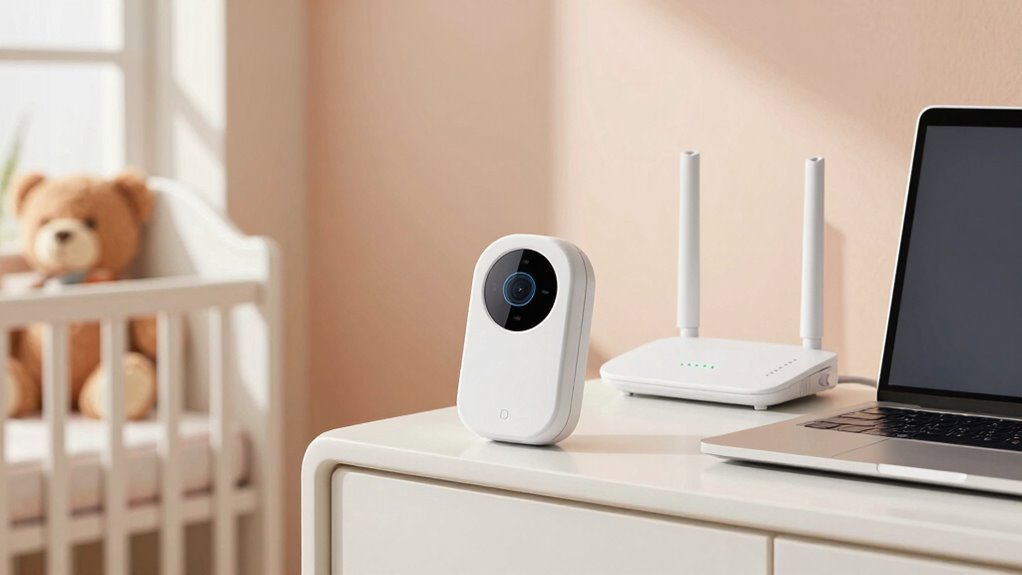

To keep your baby monitor private and your Wi-Fi safe, guarantee it uses strong encryption like WPA2 or WPA3, and avoid outdated or no encryption. Position the monitor away from electronics to reduce interference, and consider using a dual-band Wi-Fi network on the 5 GHz band for better stability. Protect your network with a strong password, enable firmware updates, and create a separate network for the monitor. If you want to learn more about securing your smart home devices, keep exploring these tips.

Get your next haul delivered free with Prime
- Fast, free delivery on millions of items
- Prime Video, Amazon Music and more included
- Member-only deals all year
Key Takeaways
- Use monitors with up-to-date encryption standards like WPA2 or WPA3 to protect audio and video feeds.
- Place the monitor away from sources of interference and consider a dual-band Wi-Fi setup for stable connection.
- Secure your Wi-Fi network with a strong password, enable automatic firmware updates, and create a separate network for the monitor.
- Enable two-factor authentication on your router and restrict remote management features to prevent unauthorized access.
- Regularly update device firmware and use strong, unique passwords to maintain optimal security and privacy.
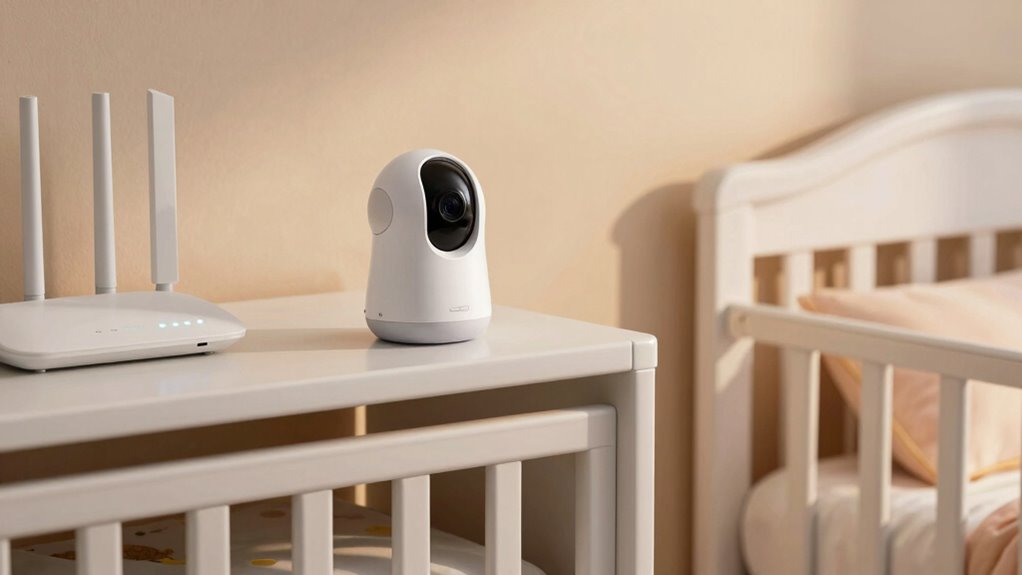
In today’s connected world, baby monitors have become vital tools for keeping an eye on your little one, but their reliance on Wi-Fi can open the door to privacy and security risks. When your monitor transmits audio and video over the internet, encryption protocols are key to protect that data from prying eyes. Strong encryption, like WPA2 or WPA3, ensures that your signals are scrambled, making it nearly impossible for outsiders to intercept and decipher the information. Without proper encryption, hackers could potentially access your feed, compromising your family’s privacy. Always check that your baby monitor supports up-to-date encryption standards and avoid models that use outdated or no encryption at all.
Signal interference is another challenge you need to take into account. Wi-Fi signals are susceptible to interference from other electronic devices, such as cordless phones, microwave ovens, and neighboring Wi-Fi networks. This interference can cause disruptions, lag, or even dropouts in your monitor’s video or audio feed. To minimize interference, place your baby monitor away from other electronics and ensure your Wi-Fi network operates on a less congested channel. Using a dual-band Wi-Fi setup can also help, as it allows your monitor to connect to the 5 GHz band, which typically experiences less interference than the 2.4 GHz band. If you notice frequent signal disruptions, it’s worth investing in a monitor with advanced signal management features or using wired connections where possible. Additionally, understanding Wi-Fi security protocols and how they protect your network can help you take more effective measures to keep your family’s data safe. You should also take into account the security of your home Wi-Fi network itself. A protected network with a strong password and the latest security protocols greatly reduces the risk of unauthorized access. Regularly update your router’s firmware to patch vulnerabilities and disable remote management features if you don’t need them. Creating a separate network specifically for your baby monitor can contain potential breaches, preventing intruders from accessing other connected devices in your home. Implementing network segmentation can further enhance your overall home network security by isolating sensitive devices from everyday use. Ensuring your Wi-Fi network uses strong, unique passwords can significantly boost your defenses against unauthorized access. Additionally, enabling automatic firmware updates on your router can help ensure your network remains secure against emerging threats. To further safeguard your network, consider enabling two-factor authentication on your router’s admin interface, adding an extra layer of protection against unauthorized access.
baby monitor with WPA3 encryption
As an affiliate, we earn on qualifying purchases.
As an affiliate, we earn on qualifying purchases.
Frequently Asked Questions
Can Baby Monitors Be Hacked Remotely?
Yes, baby monitors can be hacked remotely, leading to privacy breaches. Hackers exploit vulnerabilities in weak Wi-Fi passwords or outdated software to access your monitor. To protect yourself, change default passwords, keep your firmware updated, and use secure Wi-Fi networks. Regularly monitoring your device’s activity can also help detect suspicious behavior early, ensuring your baby’s safety and maintaining your privacy from potential remote hacking threats.
What Encryption Methods Do Wi-Fi Baby Monitors Use?
Wireless encryption works wonders in protecting your baby monitor’s signals. Most Wi-Fi baby monitors use WPA2 or WPA3 encryption, which are robust, reliable protocols. These encryption methods guarantee your wireless signals stay private and protected from prying eyes. Signal protection is paramount, and these advanced algorithms encrypt data transmission, making hacking difficult. With this defensive data disguise, you can confidently keep your little one’s safety secure and your peace of mind intact.
How Often Should I Update My Baby Monitor’s Firmware?
You should update your baby monitor’s firmware as soon as updates become available, ideally every few months. Regular firmware updates are essential for maintaining device security, as they patch vulnerabilities and improve performance. Check your monitor’s settings or manufacturer’s website regularly to stay informed about updates. Staying current guarantees your device remains protected against potential cyber threats and functions smoothly, giving you peace of mind about your baby’s safety.
Are There Any Legal Privacy Concerns With Baby Monitors?
Yes, there are legal privacy concerns with baby monitors. Laws around privacy regulations vary by location, but generally, manufacturers must comply with data protection standards, and you should be aware of your parental rights. For example, unauthorized access or hacking can breach privacy laws. Always choose reputable brands, secure your Wi-Fi, and stay informed about local regulations to protect your child’s privacy and your rights as a parent.
How Can I Tell if My Wi-Fi Network Is Secure?
You can tell if your Wi-Fi network is secure by checking for strong Wi-Fi security, like WPA3 or WPA2 encryption. Log into your router’s admin panel and see if network encryption is enabled. Confirm your network password is complex and unique. Avoid open networks without encryption, and regularly update your router’s firmware. These steps help protect your Wi-Fi security and keep your baby monitor and other devices safe.
dual-band Wi-Fi router for smart home
As an affiliate, we earn on qualifying purchases.
As an affiliate, we earn on qualifying purchases.
Conclusion
By understanding the basics of baby monitor privacy and Wi-Fi safety, you’re building a fortress around your little one’s world. Think of your security measures as a shield, protecting your family from unseen threats. Stay vigilant, update your devices regularly, and use strong passwords—your peace of mind depends on it. With these simple steps, you’ll keep your baby’s world safe and sound, like a cozy nest tucked away from the storm outside.
As an affiliate, we earn on qualifying purchases.
baby monitor with secure connection
As an affiliate, we earn on qualifying purchases.
As an affiliate, we earn on qualifying purchases.
Halloween Picks
halloween
As an affiliate, we earn on qualifying purchases.